PDF guides
Step-by-step help for filling forms, fixing page order, and sending the right copy.
Common PDF jobs
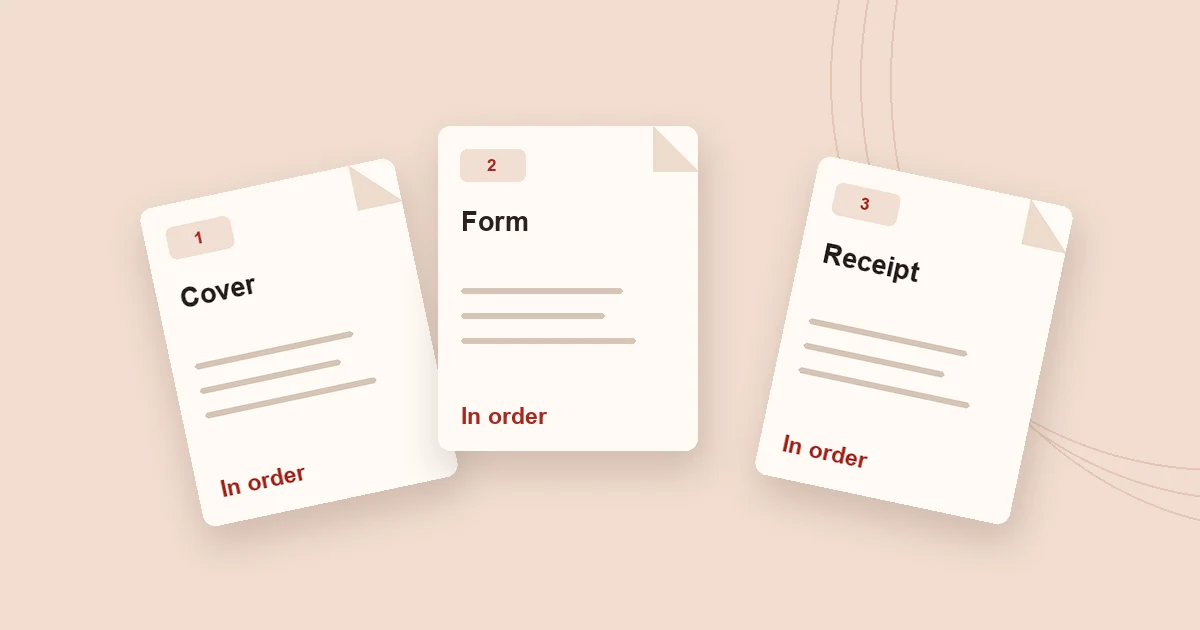 How to reorder pages in a PDFMove pages up or down, put the cover first, and verify the order in your new PDF.
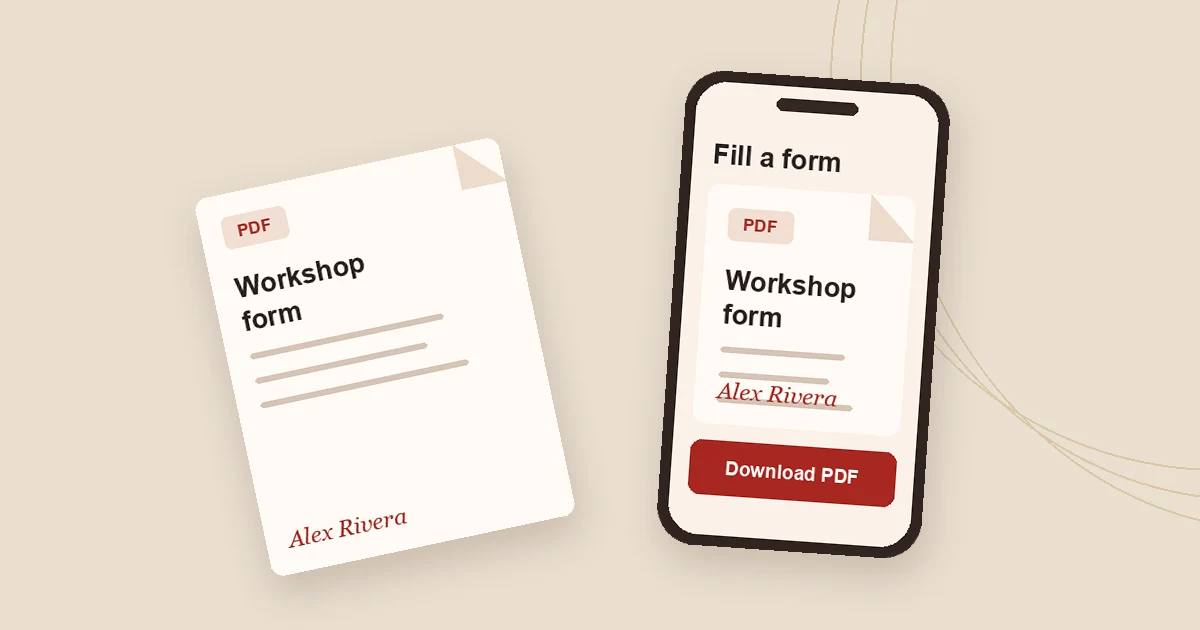 How to fill out a PDF form on your phoneOpen a form from Files, type into fields or place text on a scan, and save a filled copy from your phone.
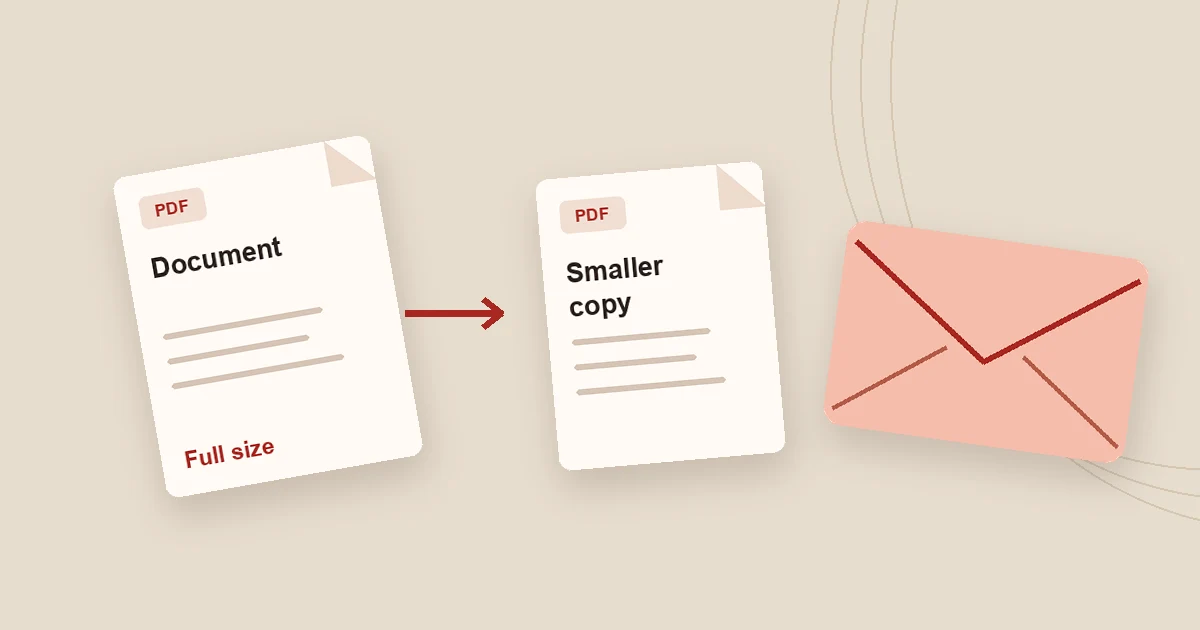 How to make a PDF small enough to emailCheck the attachment limit, make a smaller PDF copy, and verify that the copy stays readable.
Edit & sign
Browse the tools- How to fill out a PDF form on your phoneOpen a form from Files, type into fields or place text on a scan, and save a filled copy from your phone.
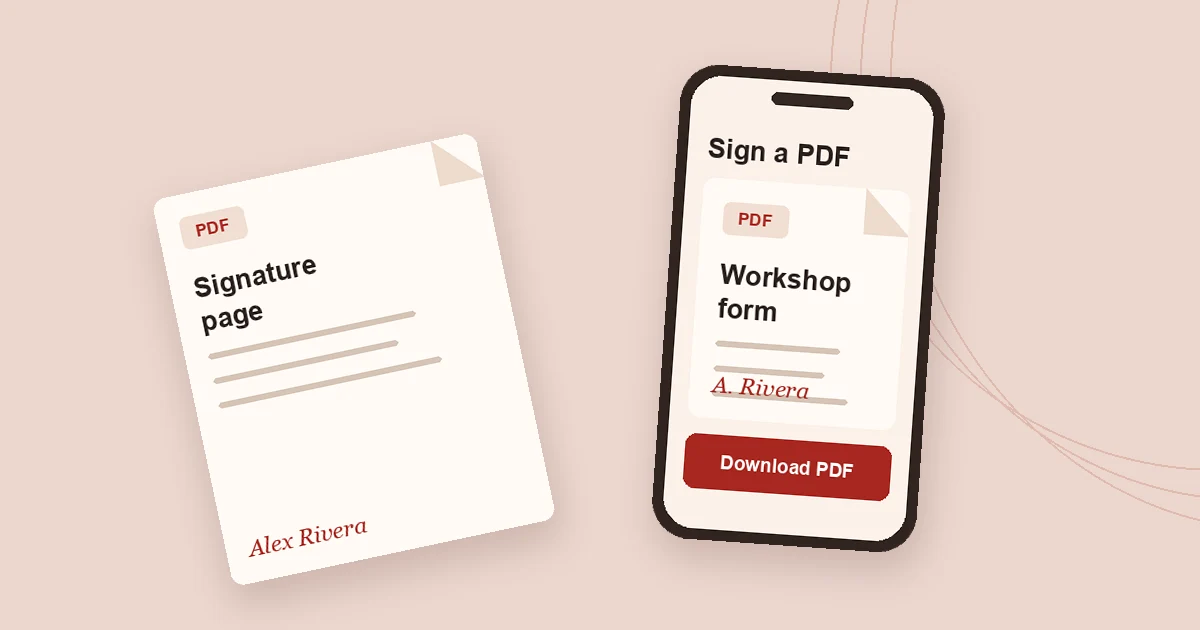 How to sign a PDF on iPhoneType or draw your signature in Safari, put it on the signature line, and save the PDF to share.
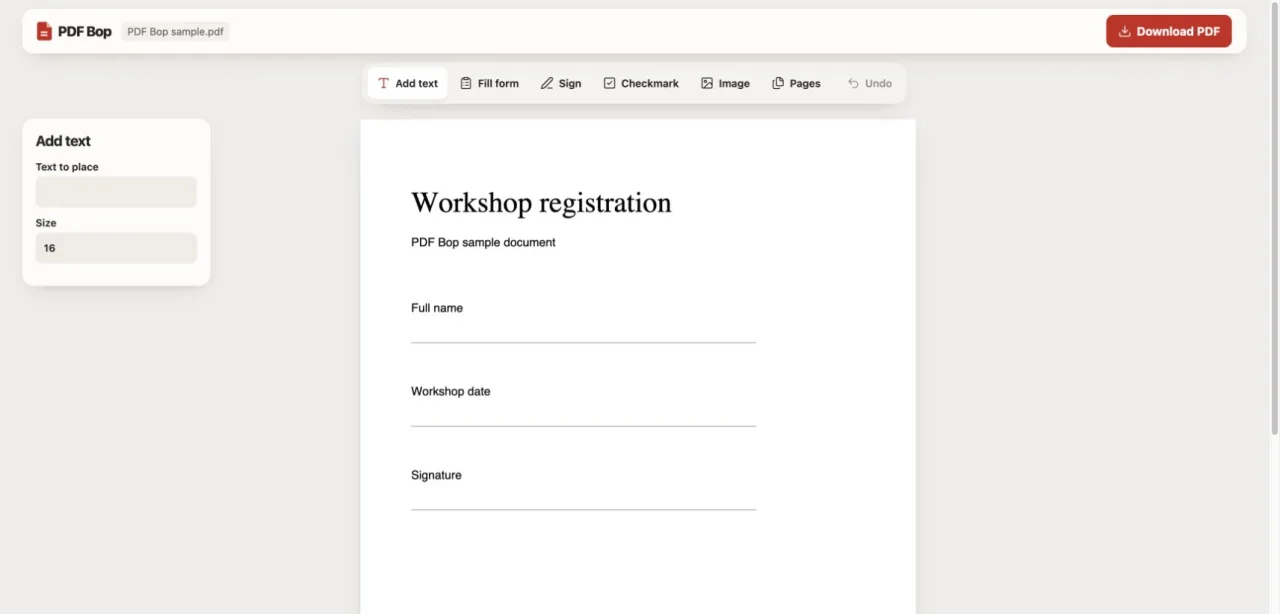 How to add text to a PDFPlace a name, date, or note on a PDF and check the result before sending it.
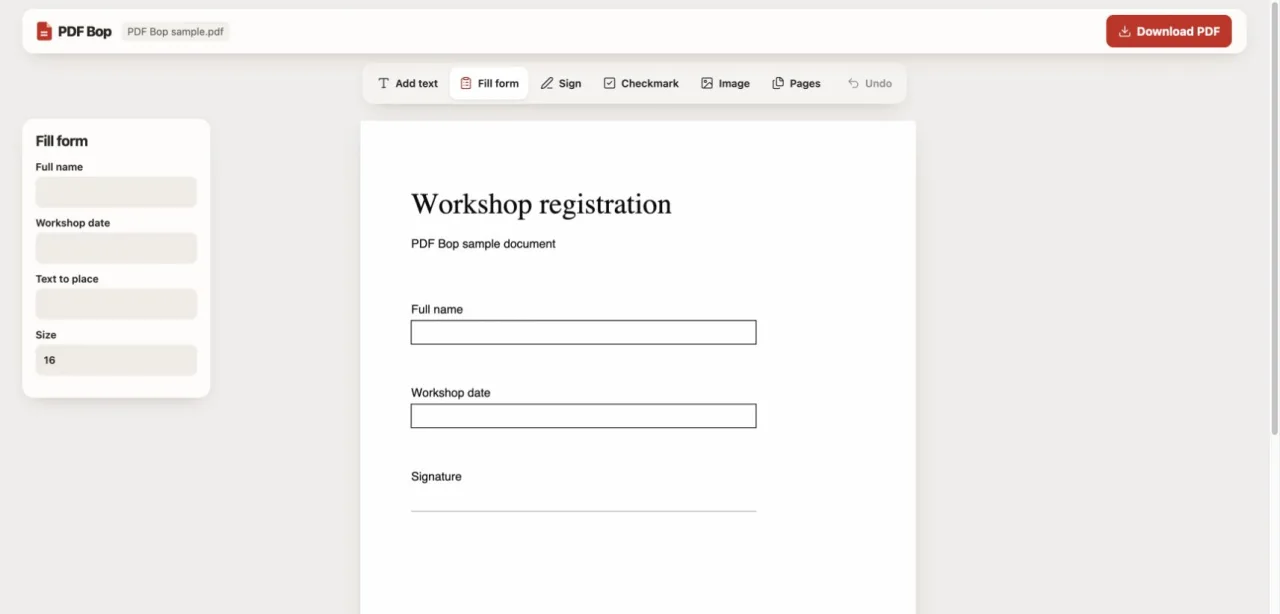 How to fill a flat PDF form or scanRecognize a flat form, place answers over blank lines, and use checkmarks where the original fields cannot be typed into.
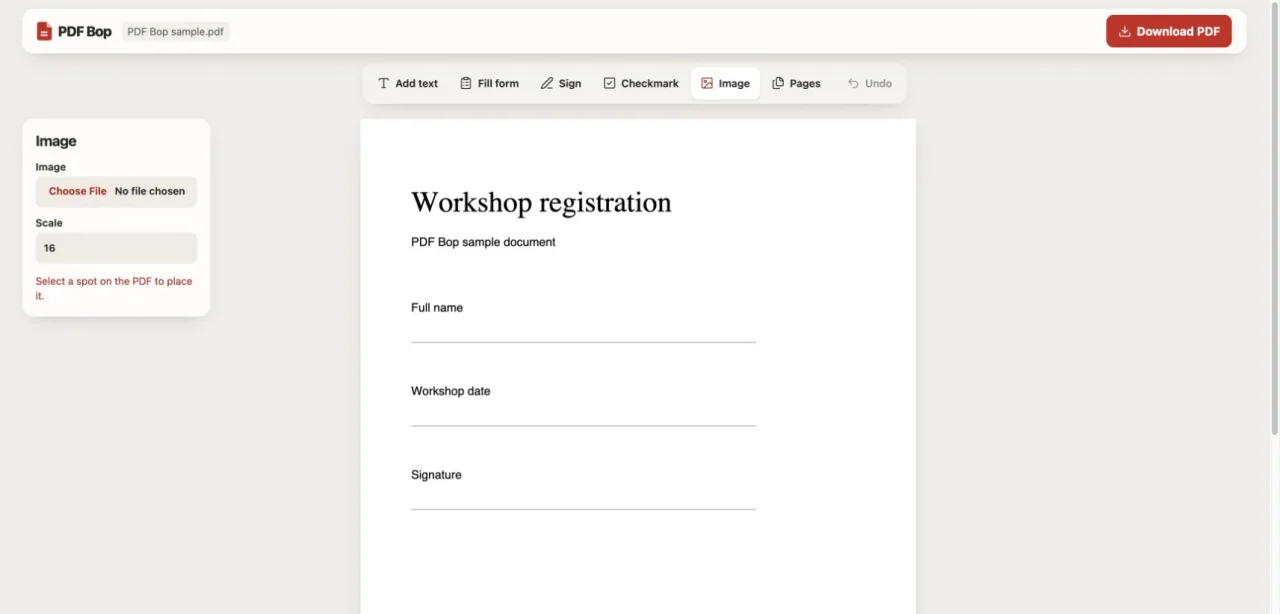 How to place a photo, logo, or stamp on a PDFPlace a PNG or JPG on an existing PDF page, adjust the width, and check the exported result.
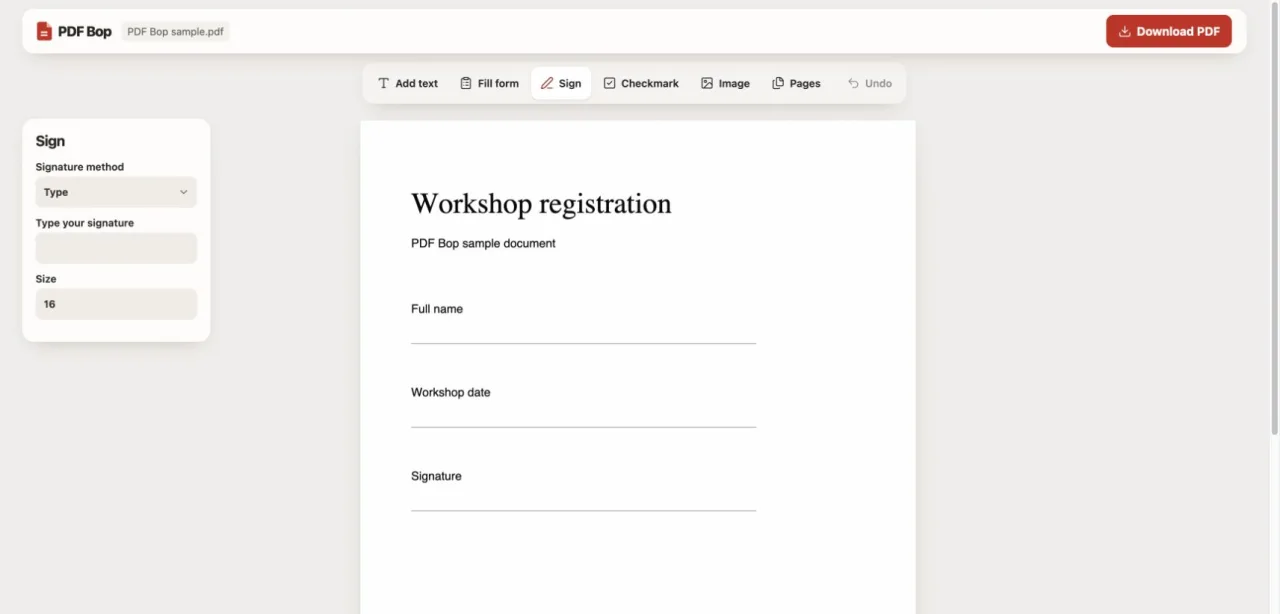 How to sign a PDF with a typed, drawn, or imported signatureChoose a visible signature style, place it on the signature line, and review the downloaded PDF.
Organize pages
Browse the tools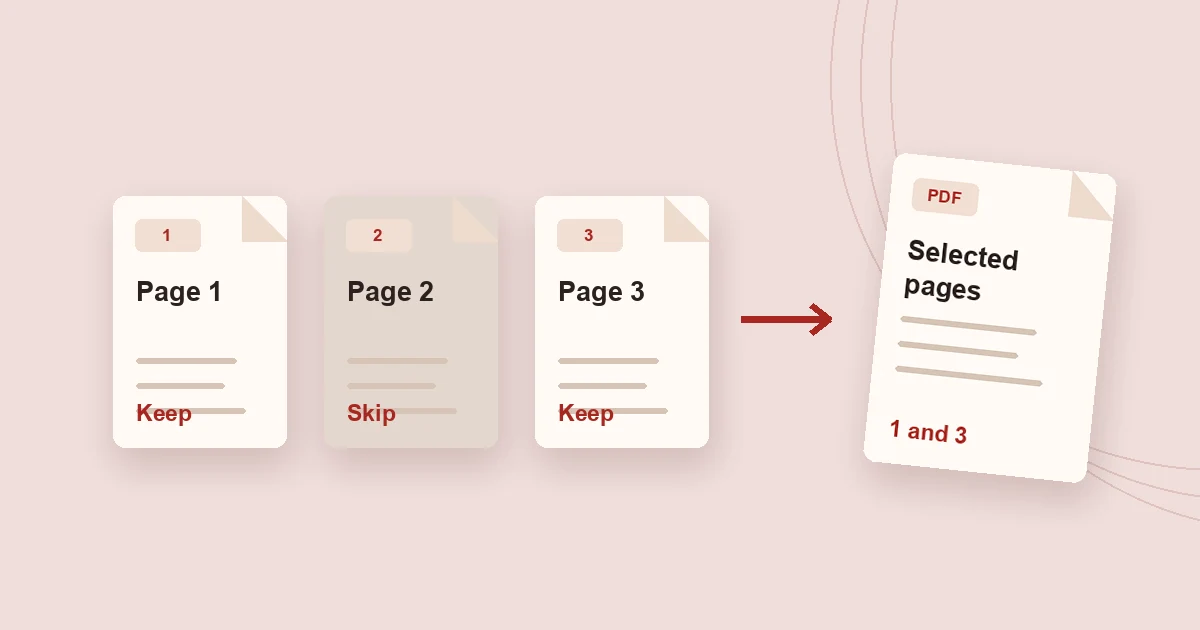 How to extract nonconsecutive pages from a PDFSave pages such as 1, 3, and 7–9 as one new PDF while keeping the source document.
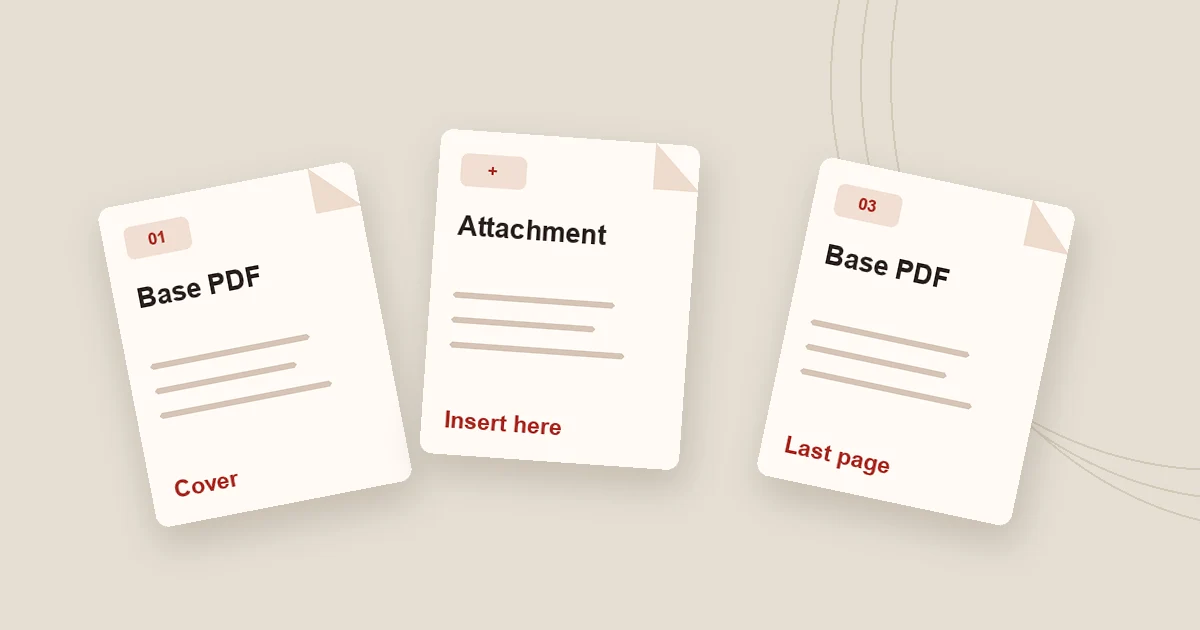 How to insert a page from another PDFAdd a missing attachment or replacement sheet to a PDF and place it exactly where it belongs.
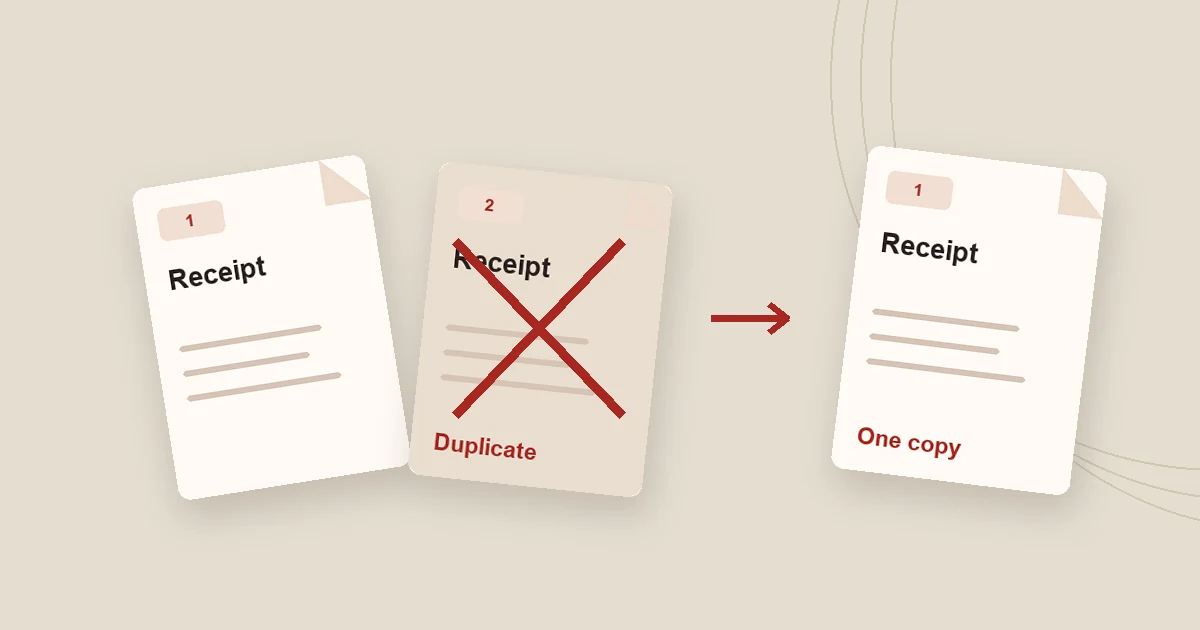 How to remove duplicate pages from a PDFFind repeated or nearly identical pages, remove the copies you do not need, and verify the new PDF.
- How to reorder pages in a PDFMove pages up or down, put the cover first, and verify the order in your new PDF.
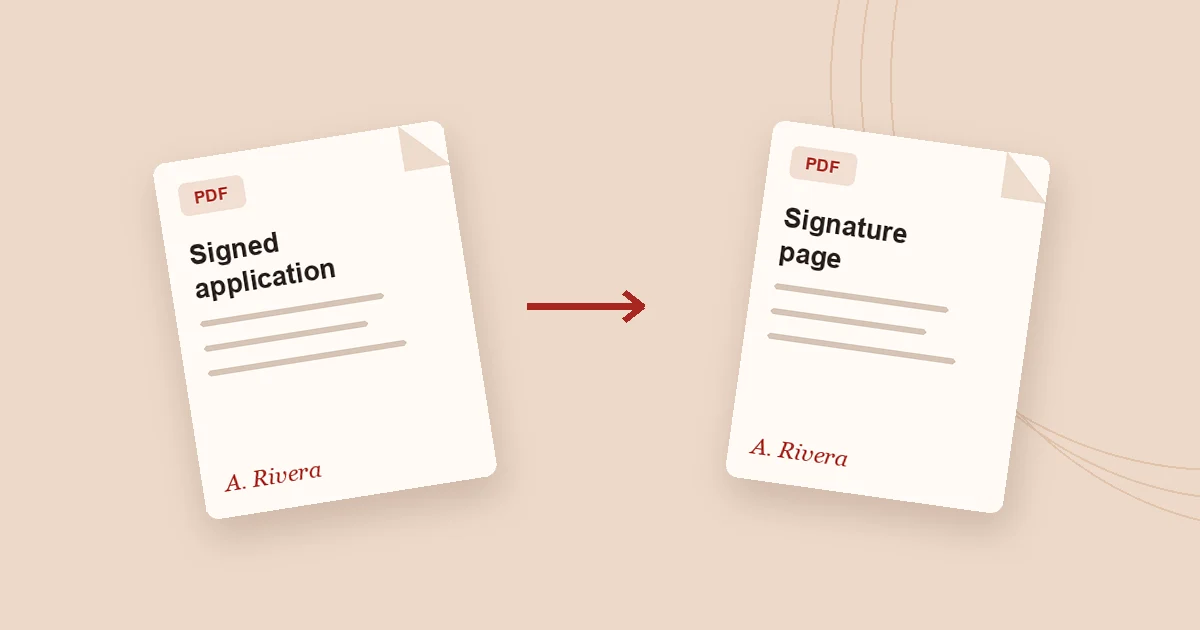 How to send only the signed page of a PDFSave just the signature page from a longer document and check that it has enough context to send on its own.
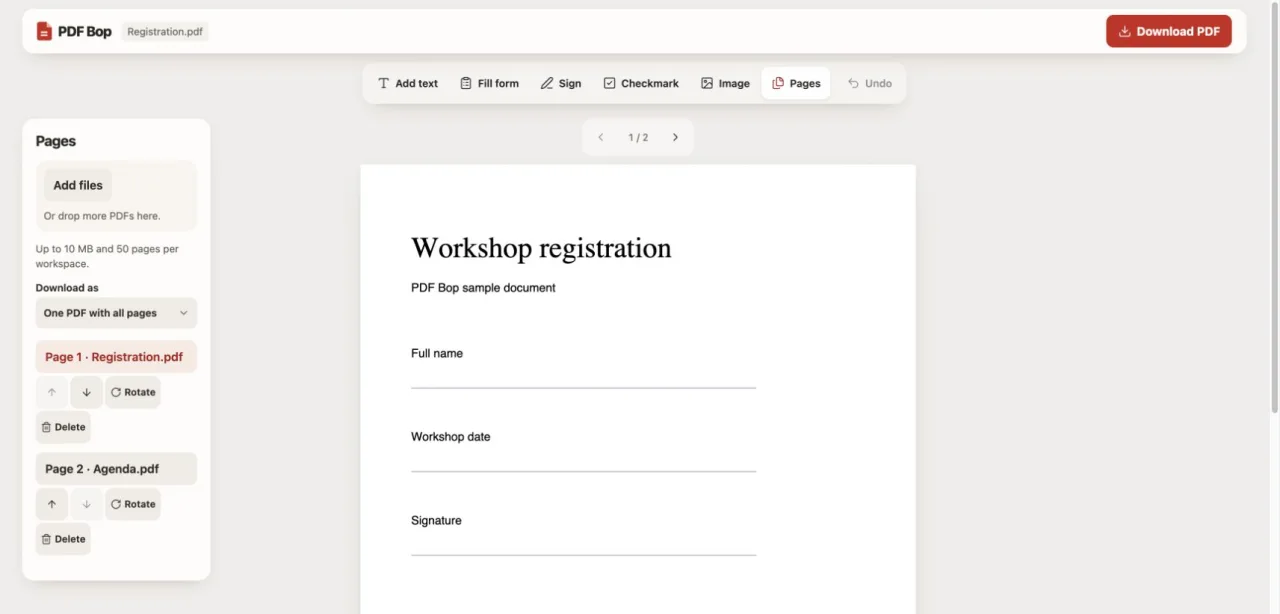 How to merge PDFs into one file in the right orderCombine a cover sheet, form, and attachments into one PDF, then check the page order before sending it.
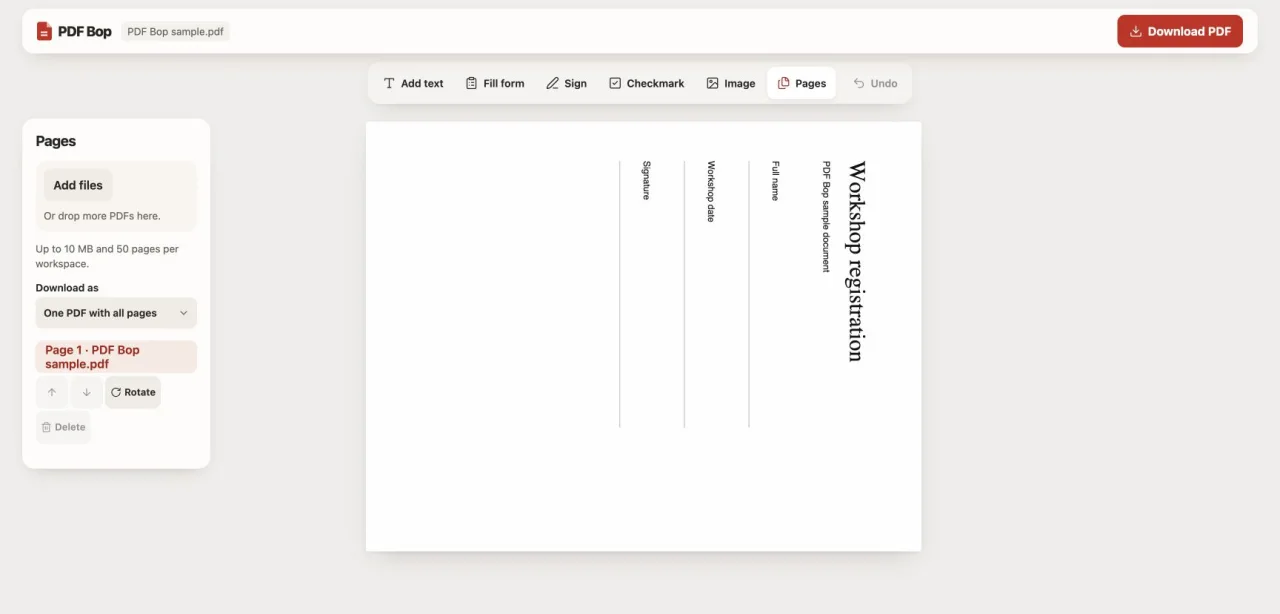 How to remove blank pages and rotate sideways pages in a scanned PDFClean up a double-sided scan by removing blank sheets and turning only the pages that need correction.
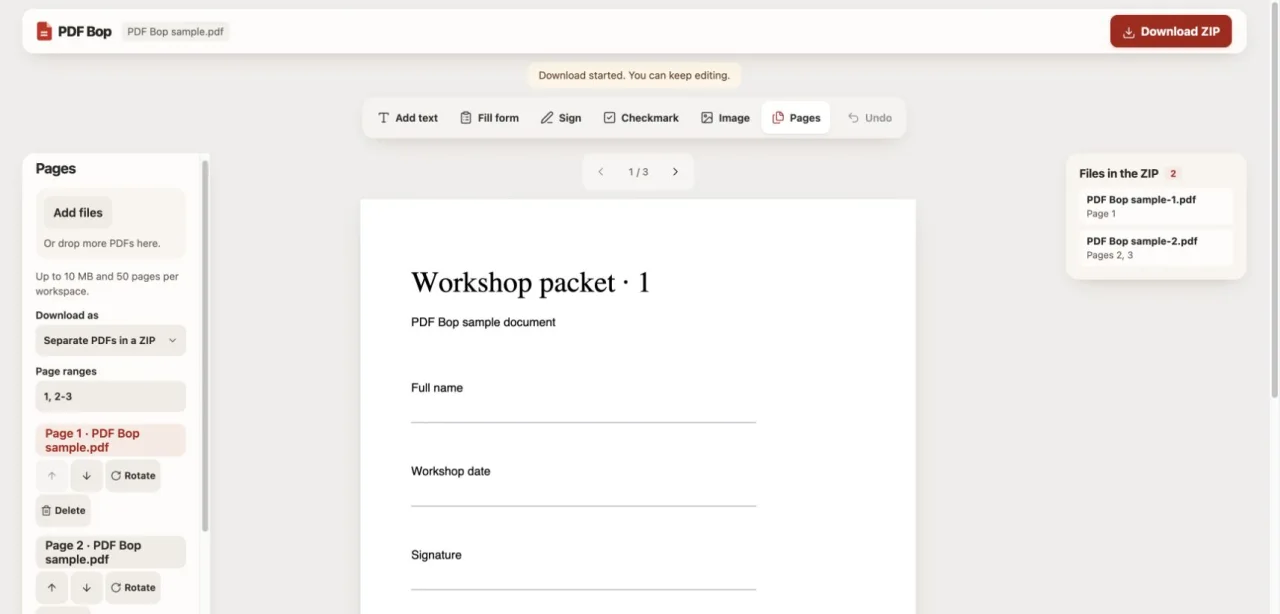 Split a PDF or extract pages, which output do you need?Choose a ZIP of separate PDF files or make a single PDF containing only the pages you need.
Convert & compress
Browse the tools- How to make a PDF small enough to emailCheck the attachment limit, make a smaller PDF copy, and verify that the copy stays readable.
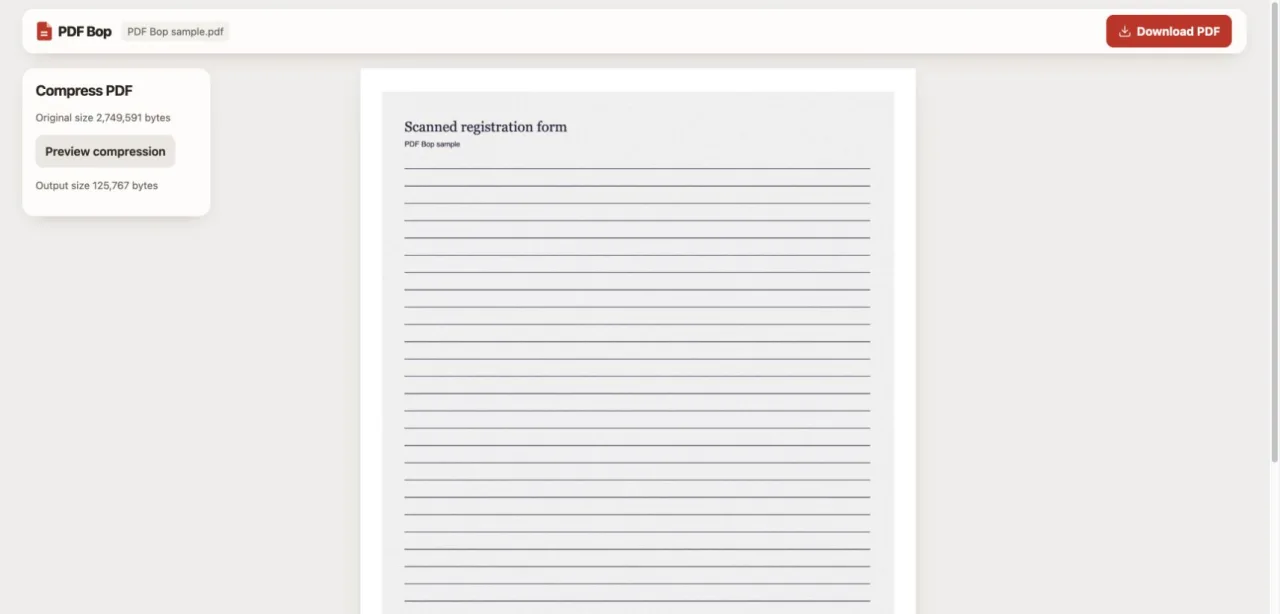 How to make a PDF smaller for an upload limitCompare the original and compressed PDF sizes, then check whether the downloaded file meets the recipient’s limit.
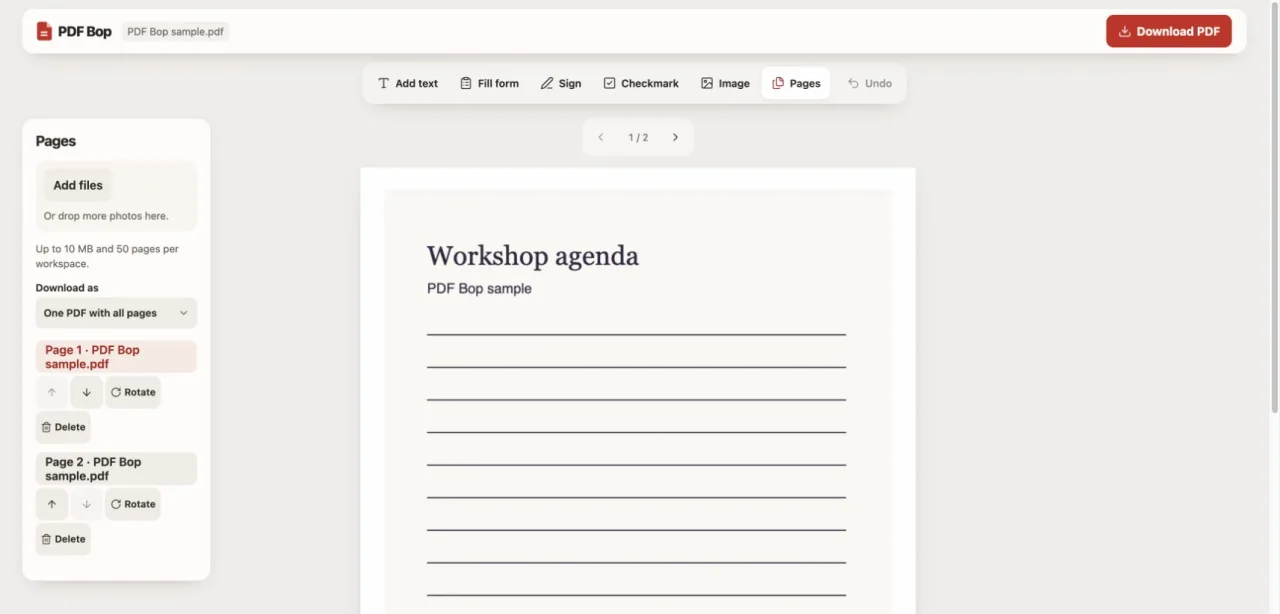 How to turn JPG or PNG photos into one ordered PDFMake a PDF with one photo per page and verify the page order before sharing it.
Advanced tools
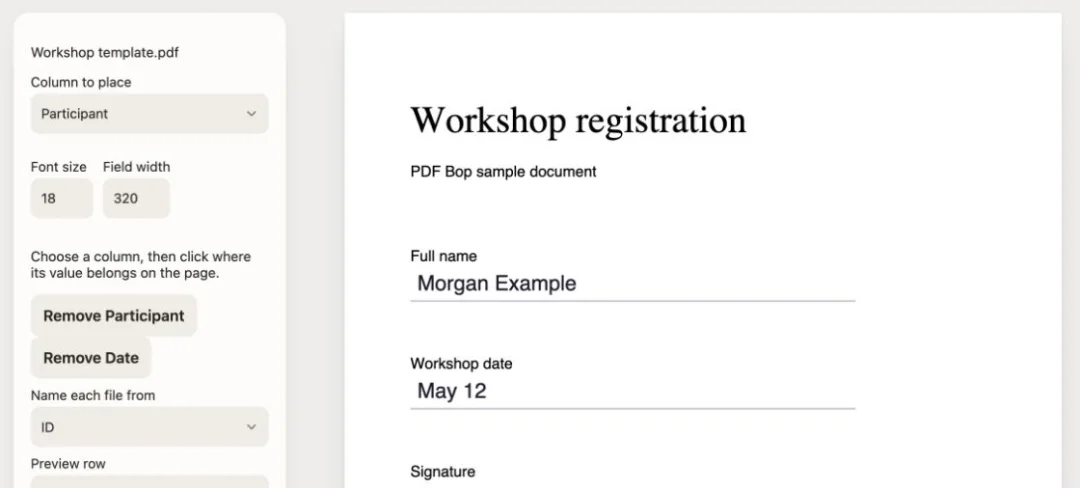 How to create named PDF certificates from a CSVMap spreadsheet columns onto a certificate design, preview individual rows, and fix names that are too long or missing.
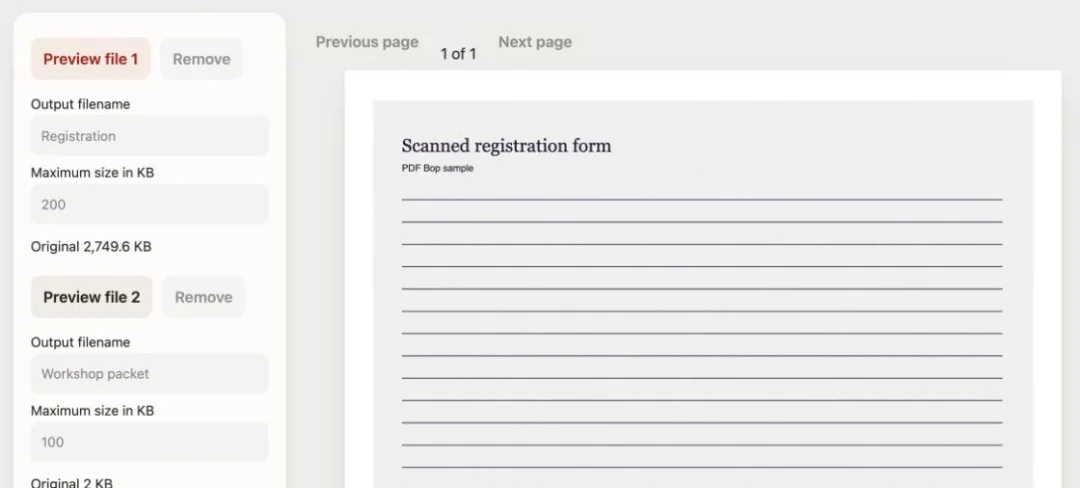 How to prepare a PDF submission packet with separate file size limitsConfirm requirements for each upload slot, preview the file sizes, and prepare individual PDFs with clear filenames.
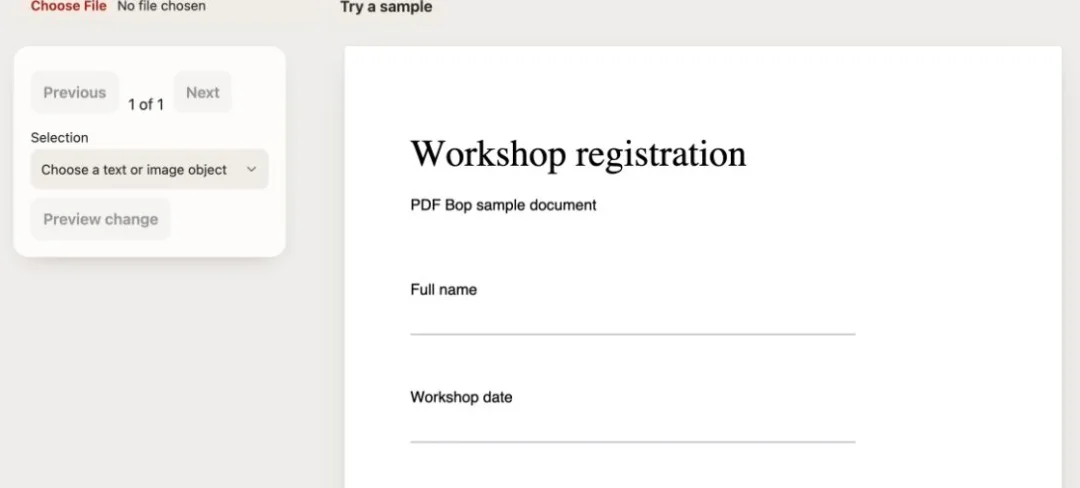 When can you edit existing text or images in a PDF?Tell the difference between adding something to the page and replacing an object already stored in the PDF.