Free tools to organize PDF pages
Combine files, change page order, extract a selection, delete pages, split a PDF, or rotate scans.
Choose a free tool
Organize pages
- Merge PDFsCombine multiple PDFs and arrange their pages before downloading one PDF.
- Split a PDFSave page ranges as separate files or split a PDF into one file per page.
- Extract pagesSelect the pages you need and download them as a new PDF.
- Delete pagesRemove selected pages and download the remaining pages as a PDF.
- Rotate pagesTurn selected pages upright and save the corrected PDF.
No matching tools.
Which tool fits your file?
- Build one PDF from several files
- Use Merge PDFs to add each file, then move pages into the required order. Check transitions between documents in the export.
- Share only a few pages
- Use Extract pages to select the pages you want in one PDF. Use Split a PDF when the recipient needs multiple separate files.
- Clean up the whole document
- Remove duplicates or blank scans with Delete pages. Turn sideways pages upright with Rotate pages and keep the rest of the document.
See how it works
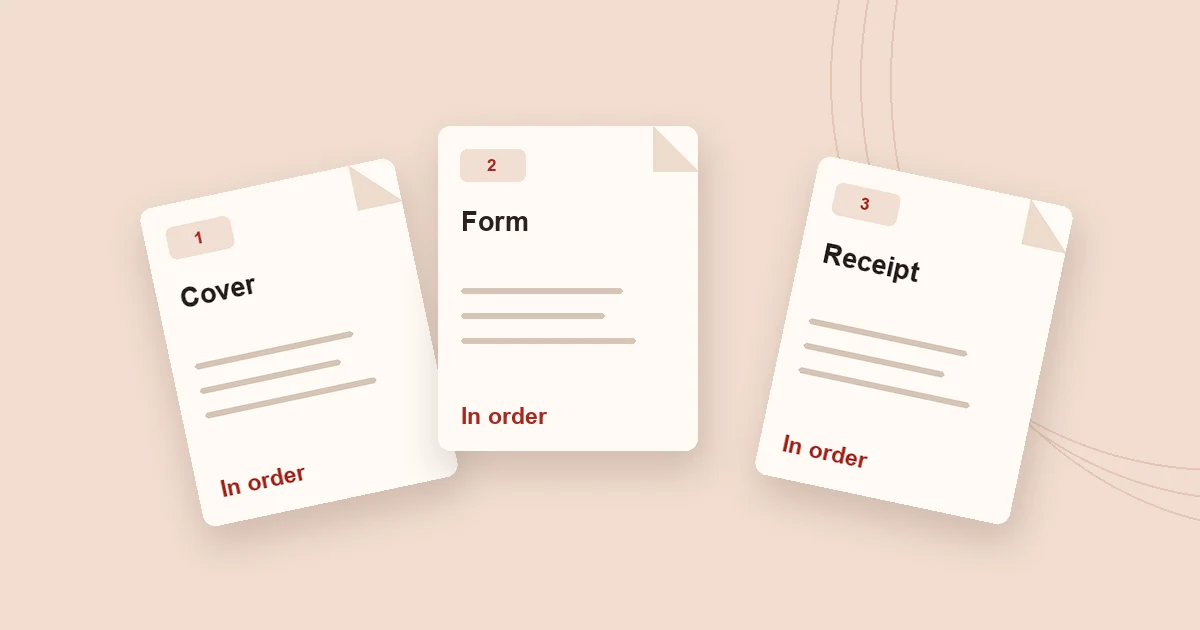
- How to reorder pages in a PDFMove pages up or down, put the cover first, and verify the order in your new PDF.
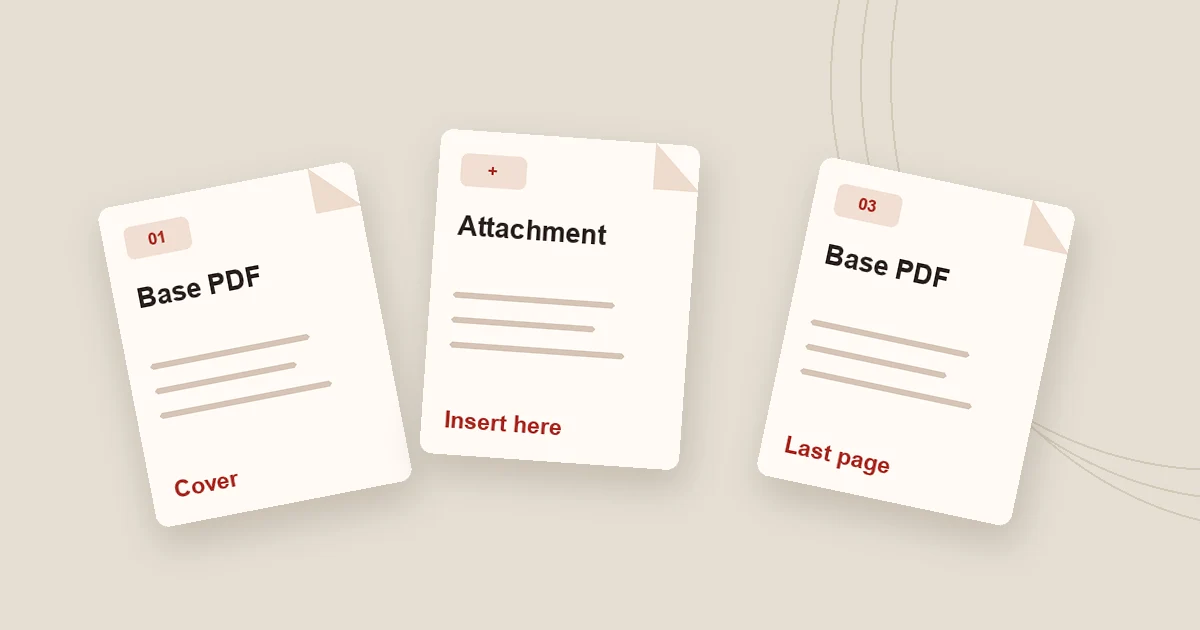 How to insert a page from another PDFAdd a missing attachment or replacement sheet to a PDF and place it exactly where it belongs.
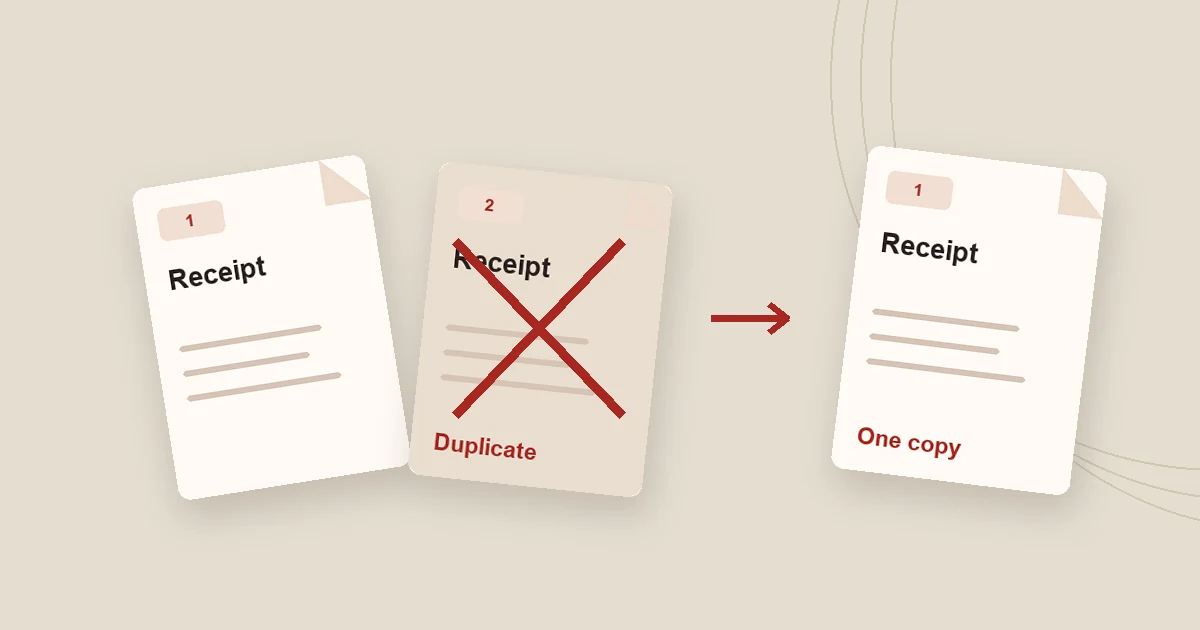 How to remove duplicate pages from a PDFFind repeated or nearly identical pages, remove the copies you do not need, and verify the new PDF.