Where does a PDF go when you edit it online?
Understand the difference between browser-local document processing and uploading a file to an online service.
By PDF Bop ·
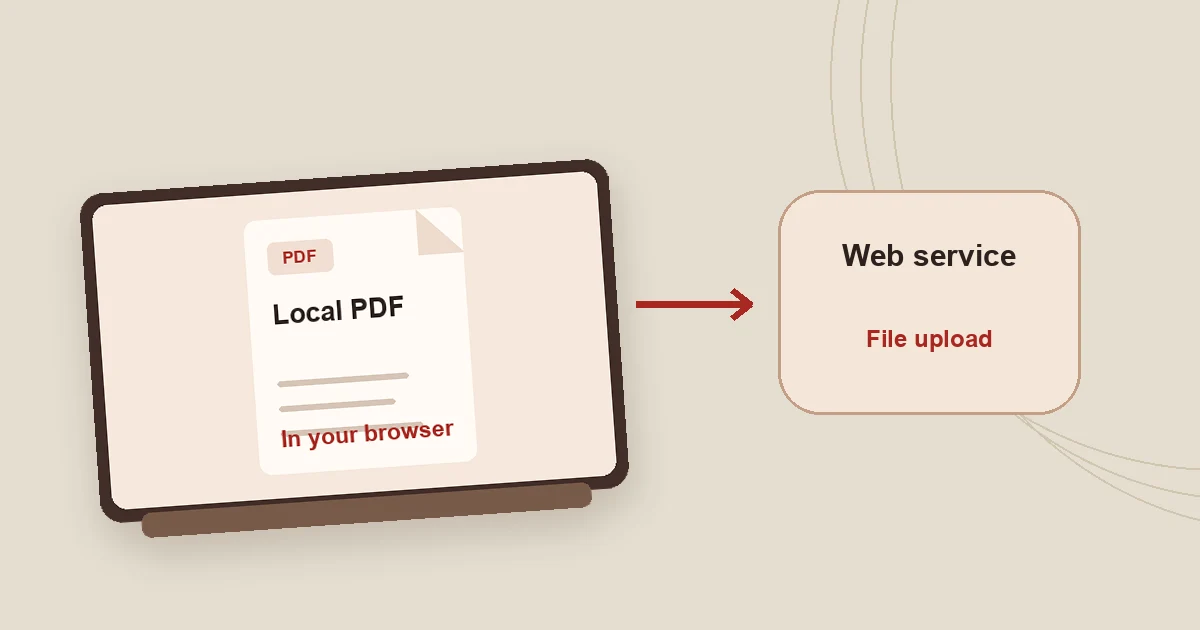
Some PDF websites upload your original to a server so it can process the document. Others download a web application into your browser and process the PDF on the device. Both can look like a file picker, so the interface alone does not tell you where the document goes.
What happens in PDF Bop?
When you select a PDF in PDF Bop, the editing workspace opens it in your browser and creates the export there. The site may still use the network to load the application and, if enabled, to send analytics events about tool usage. The file and its contents are handled by the editor on your device.
Decide where to edit a sensitive file
Check the service’s file handling details before choosing the file. Look for whether it uploads documents, how long it retains them if it does, and who can access the original and output. Follow your organization or recipient’s rules on confidential forms. If your device is shared, remember you may leave downloaded copies in its Downloads folder.
After editing, open the output and confirm you selected the intended copy before transferring it to an email, portal, or shared folder.