
JPG to PDF
Arrange JPG and PNG photos and save them together as a single PDF.
Edit, sign, and organize PDFs right in your browser.
Drop your PDF here to editor click to choose a fileFiles stay in your browser.
No matching tools.
PDF Bop Desktop
Annotate, fill and sign forms, and organize pages on your Windows PC or Mac. Pay once for lifetime access.
Explore PDF Bop Desktop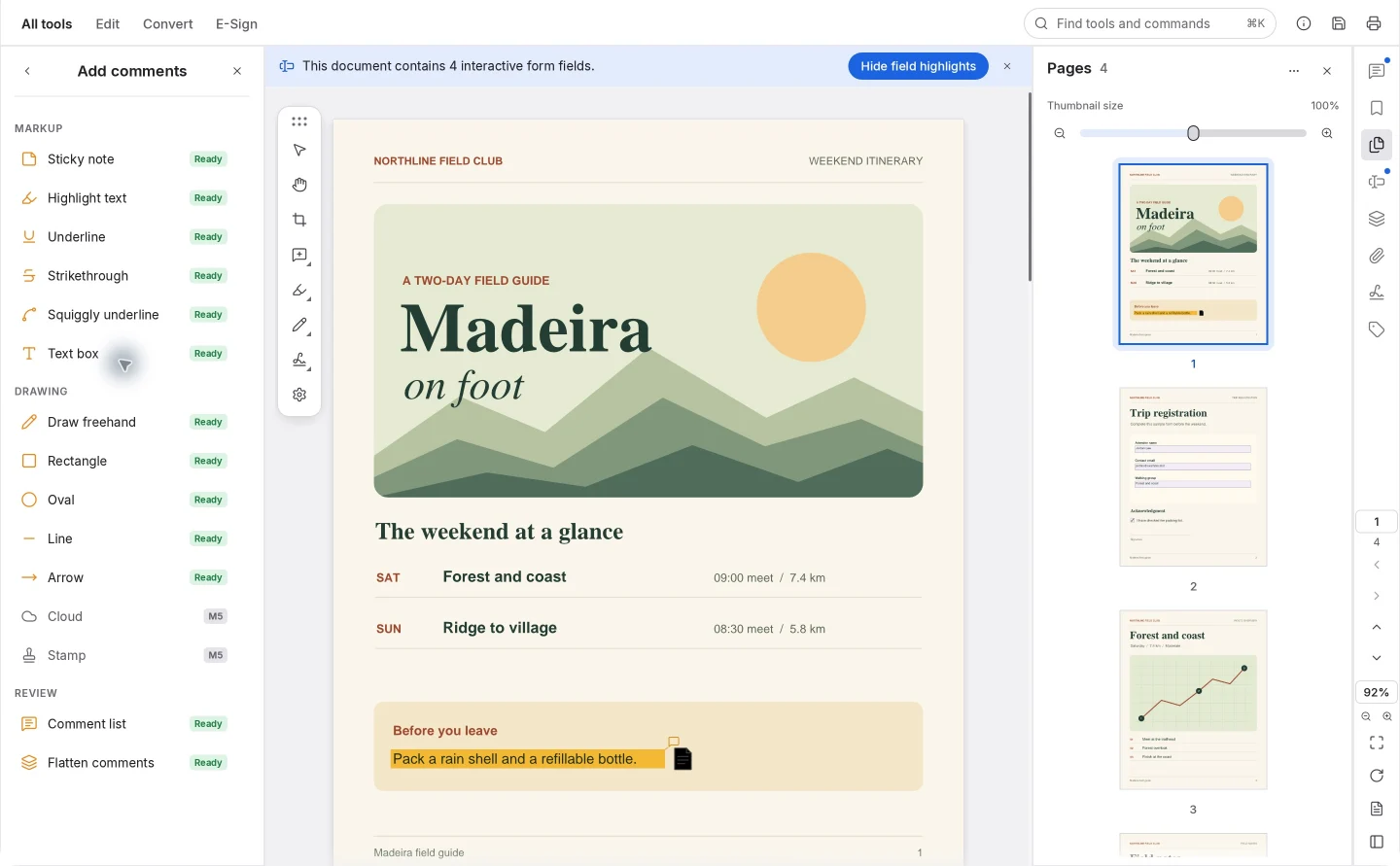
Arrange JPG and PNG photos and save them together as a single PDF.
Preview a smaller PDF and compare its actual size before downloading.
Replace supported text or an embedded image and preview the edited PDF.
Set a size limit and filename for each document, review the compressed results, and download one ZIP.
Place spreadsheet fields on a flat certificate design, check each row, and create one named PDF per row.
Drop a PDF here or open it in the tool you need.
Edit on the preview and check your work page by page.
Download your PDF or ZIP and open it to verify the result.
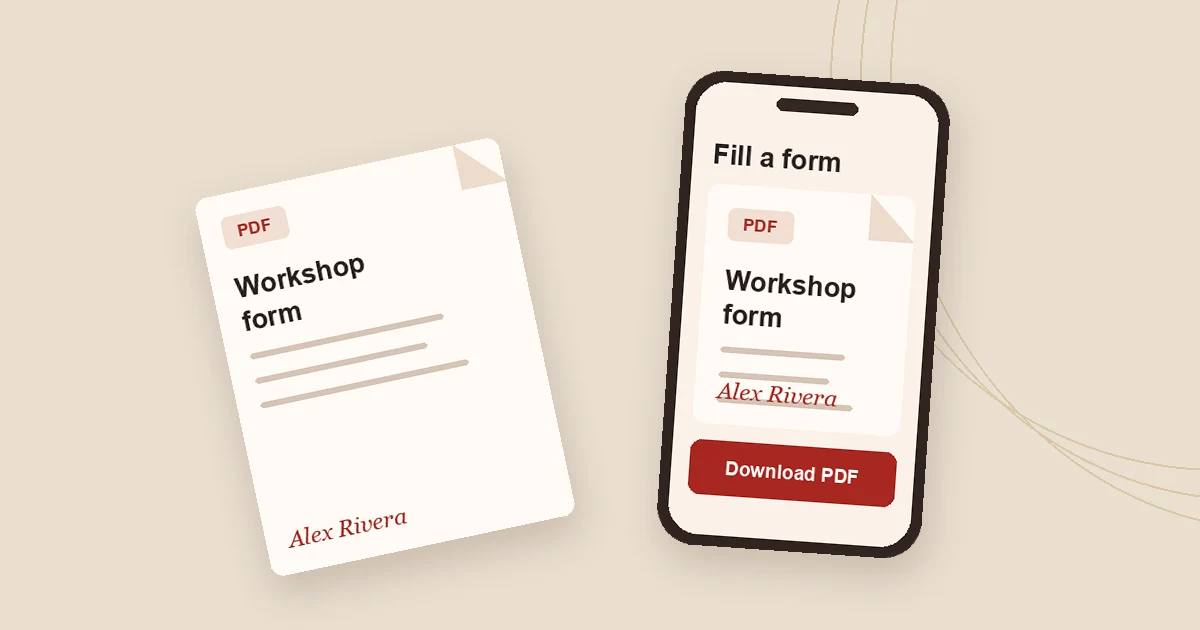
Fill the fields or add answers to a scan, then sign and check the downloaded copy.
Fill out a form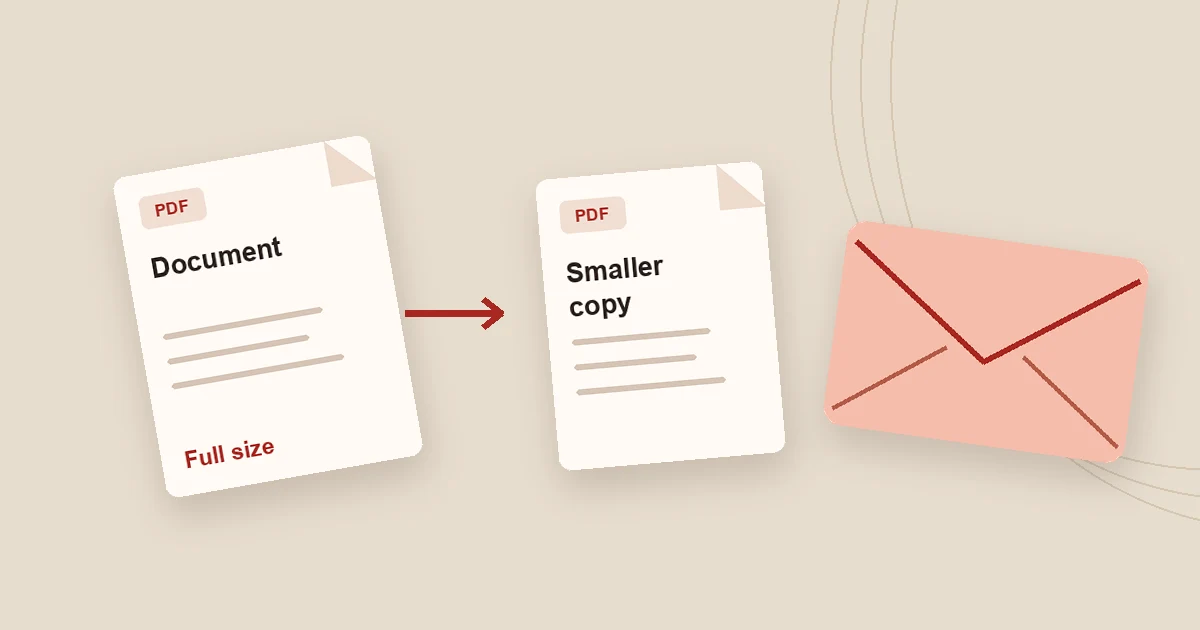
Check the output size of one document or meet separate limits for a submission packet.
Meet an upload limit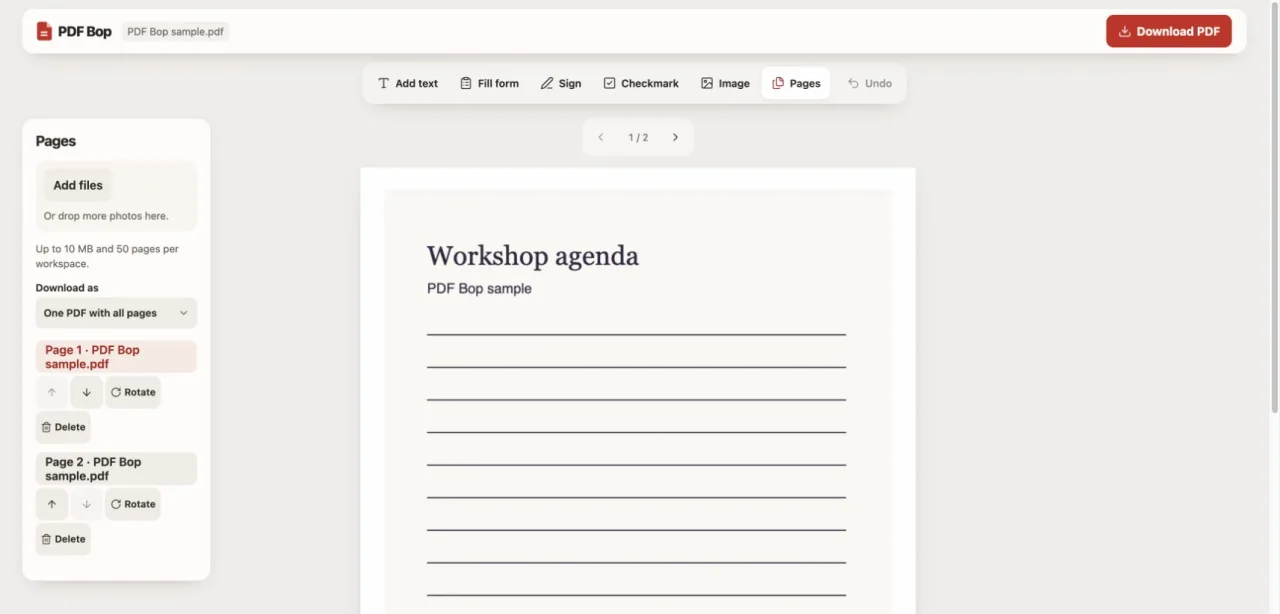
Arrange photos or receipts in one PDF and check that the small print is readable.
Build a PDF from photosYes. Place text and checkmarks over the scan. If the PDF has interactive fields, enter answers directly in the form controls.
Fill a flat formThe editor processes PDFs, photos, and CSVs in your browser. Free tools accept up to 10 MB total and 50 pages per workspace.
Read about file privacyThe original-content editor can replace supported text or an embedded image. Use Add text to place a new note or answer on the page.
Check which PDFs you can editUse the free tools to edit and export files. You can preview advanced jobs and try certificate samples.
Explore advanced toolsHow to fill out a PDF form on your phoneOpen a form from Files, type into fields or place text on a scan, and save a filled copy from your phone.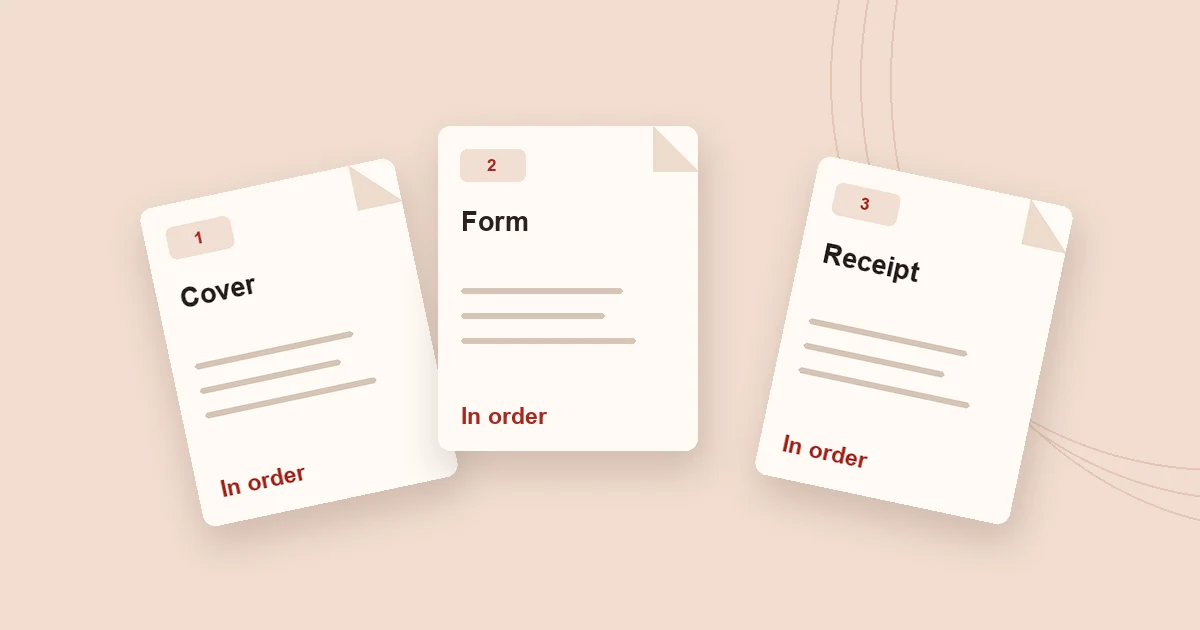 How to reorder pages in a PDFMove pages up or down, put the cover first, and verify the order in your new PDF.How to make a PDF small enough to emailCheck the attachment limit, make a smaller PDF copy, and verify that the copy stays readable.
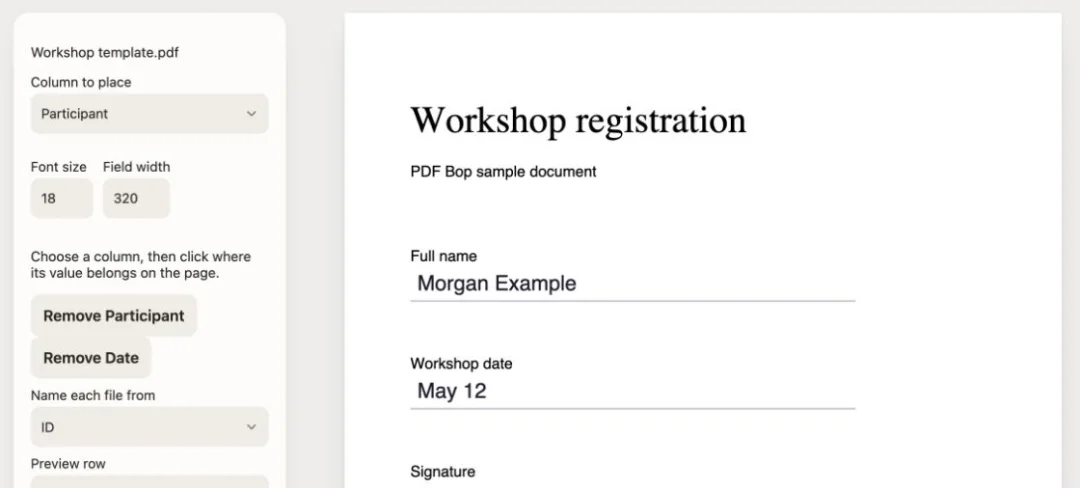 How to create named PDF certificates from a CSVMap spreadsheet columns onto a certificate design, preview individual rows, and fix names that are too long or missing.