PDF Bop Desktop
Work on PDFs. Even offline.
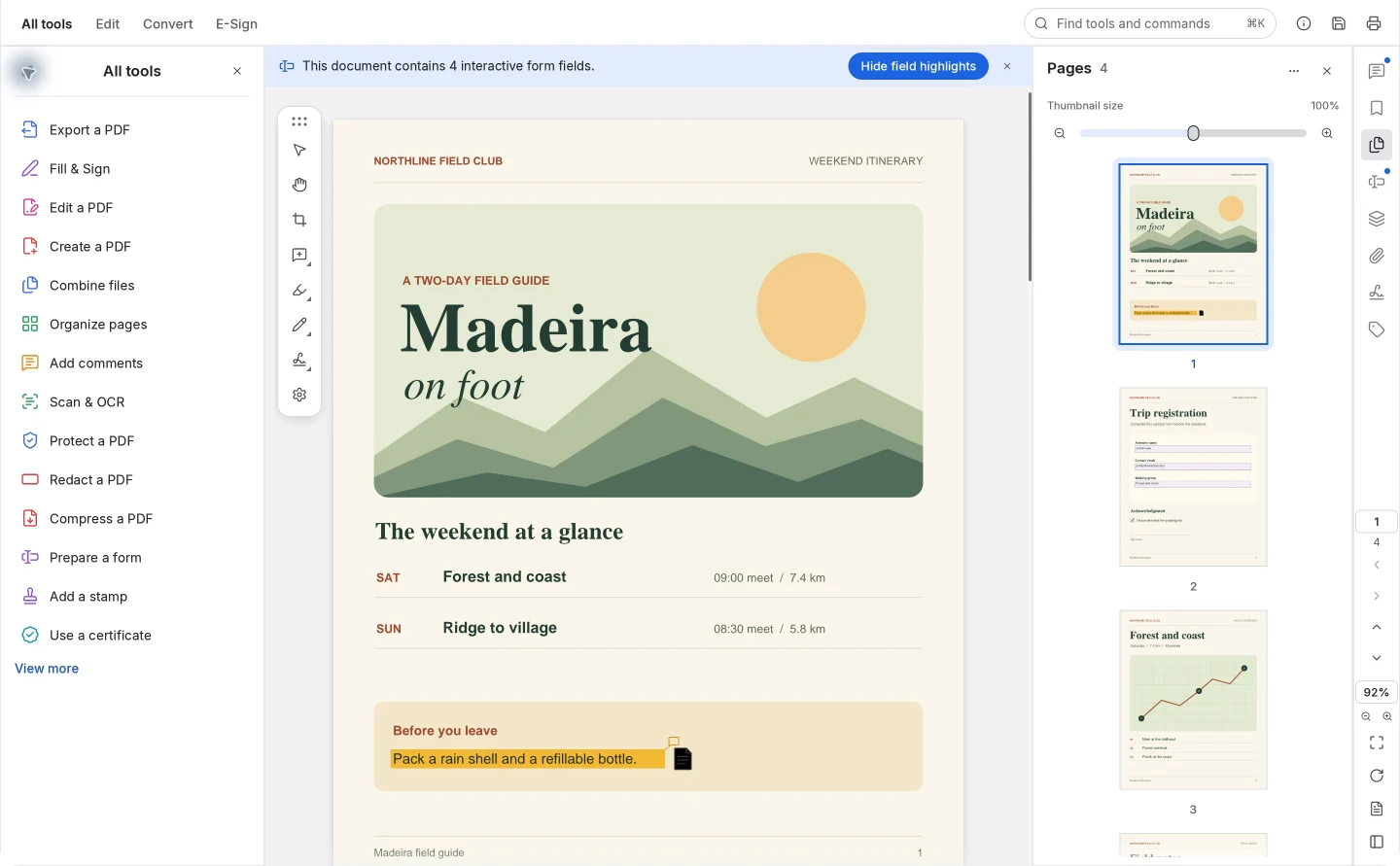
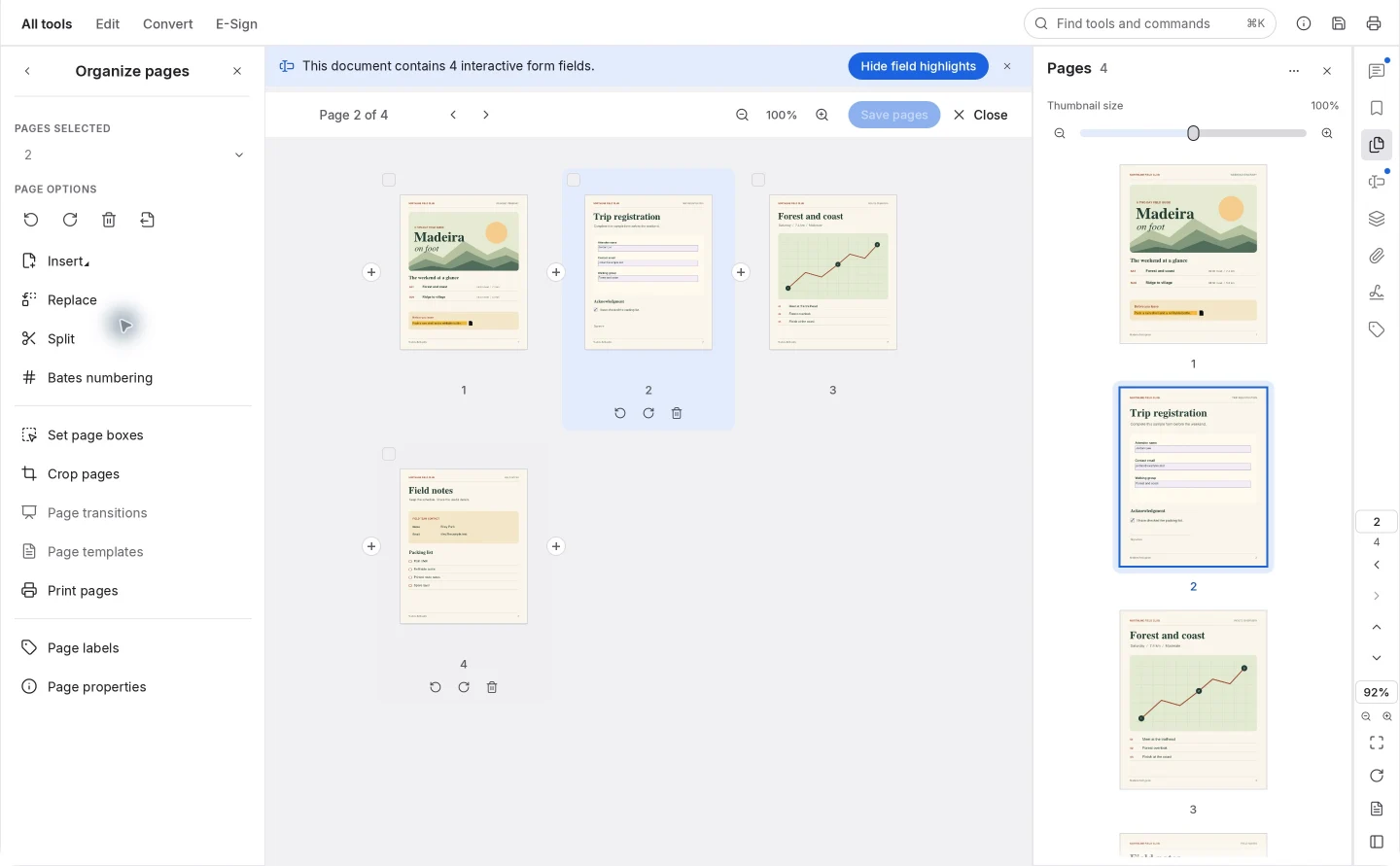
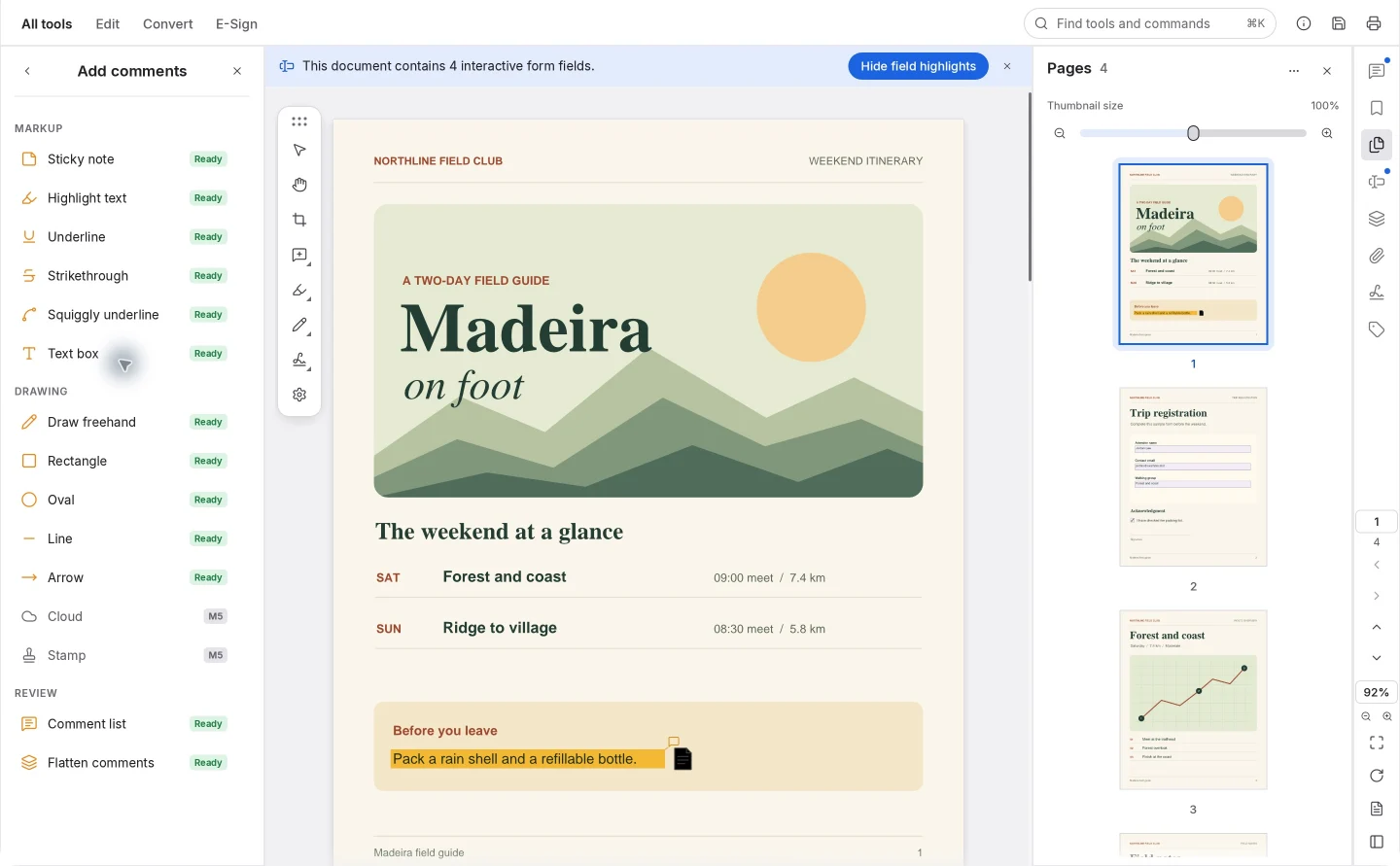
Read, mark up, fill in, and organize PDFs on your own computer with PDF Bop for Windows and Mac.
What’s included in Desktop
Works offline
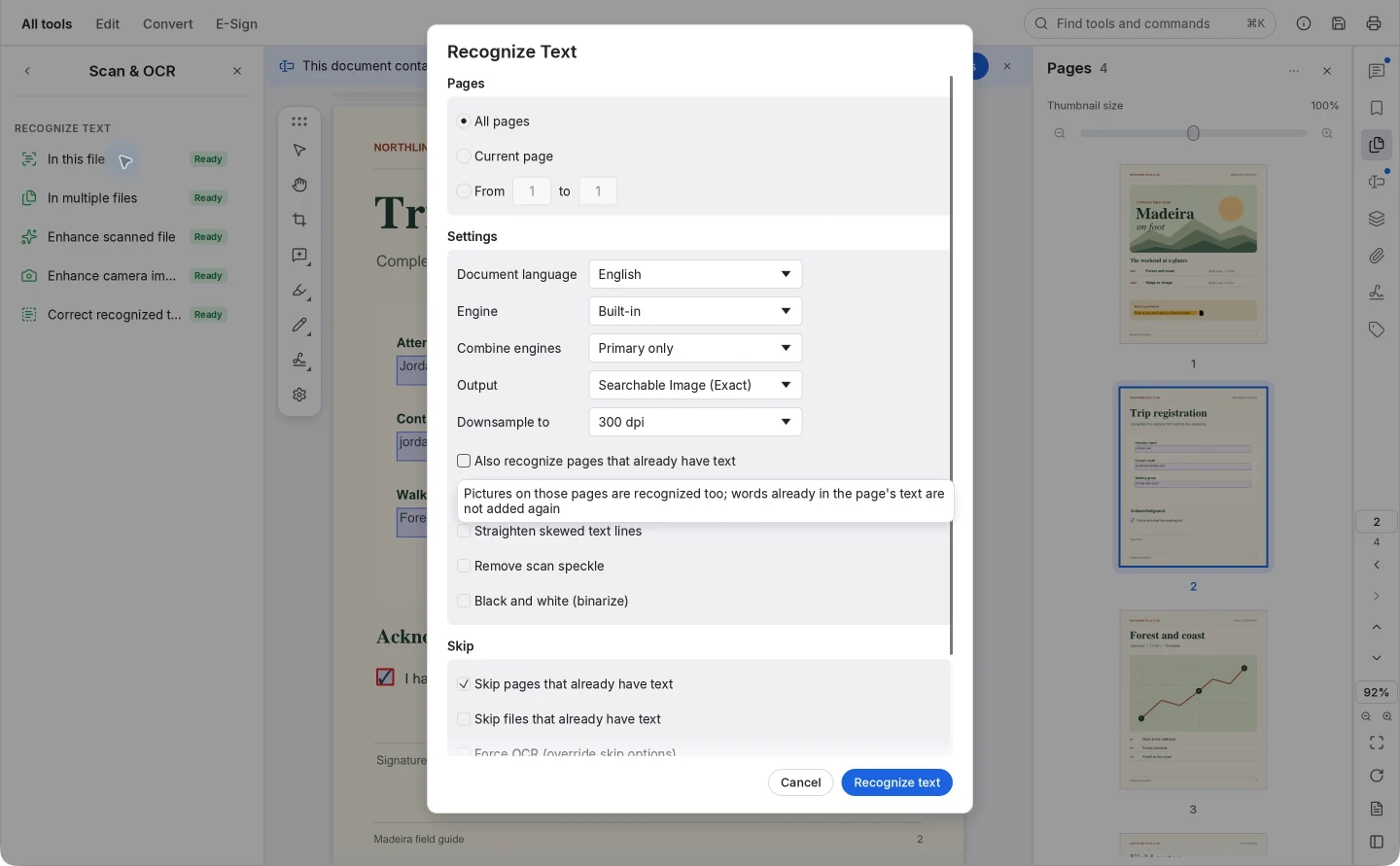
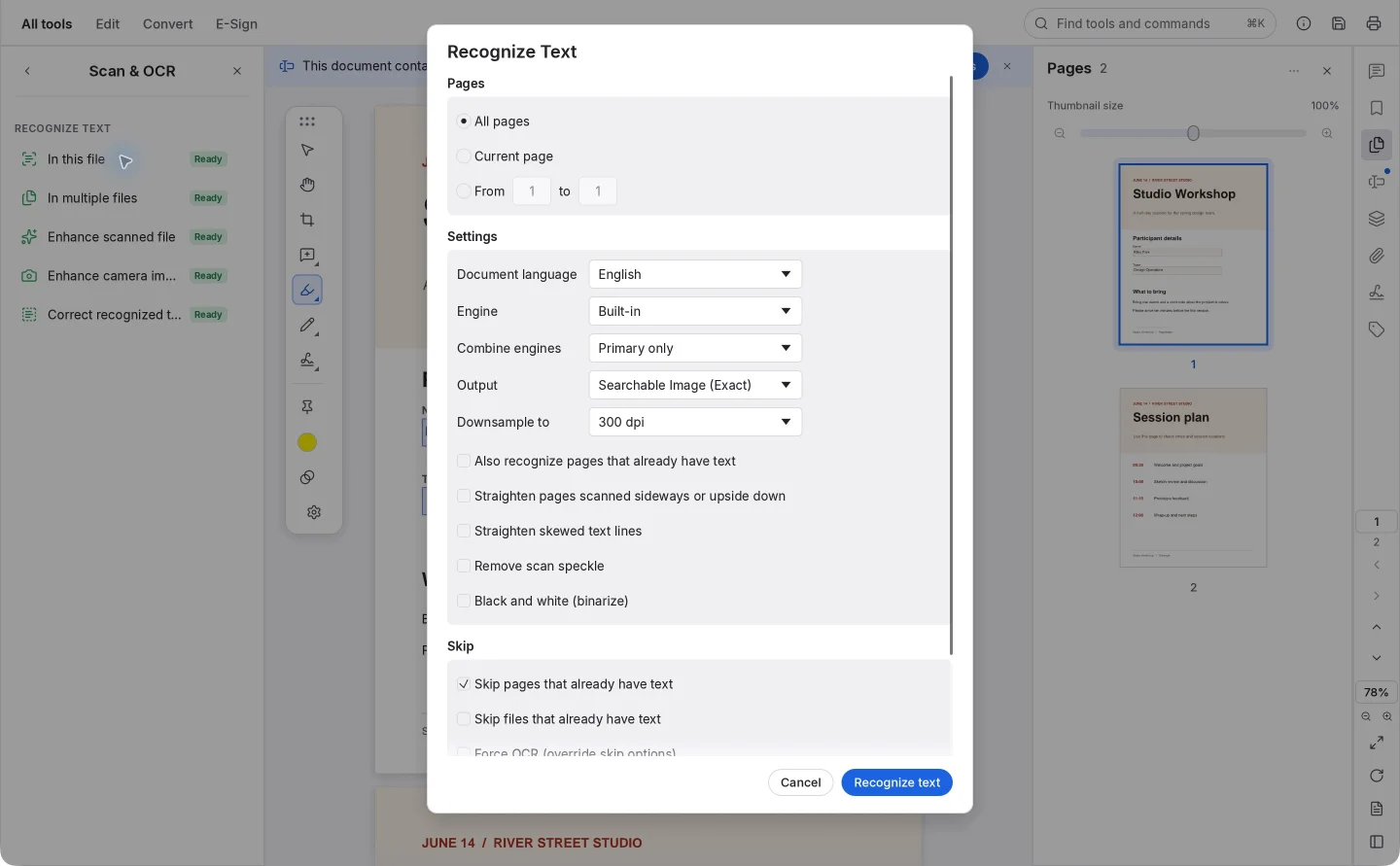
Turn scans into searchable PDFs
- Run OCR on a page, file, or batch
- Keep the original page image
- Enhance scans and correct recognized text
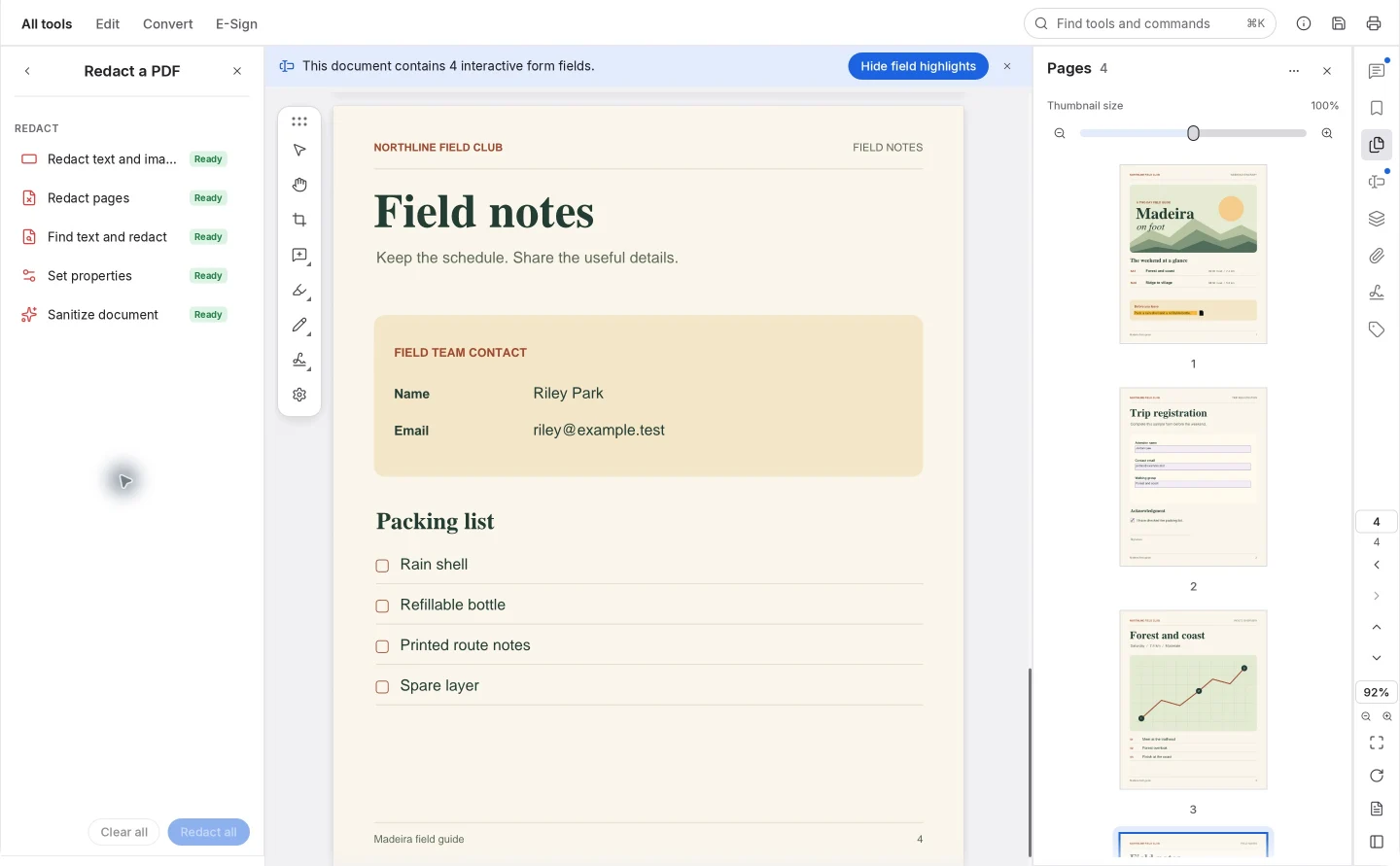
Share a redacted copy
Remove names, email addresses, or selected areas from the PDF before sending it.
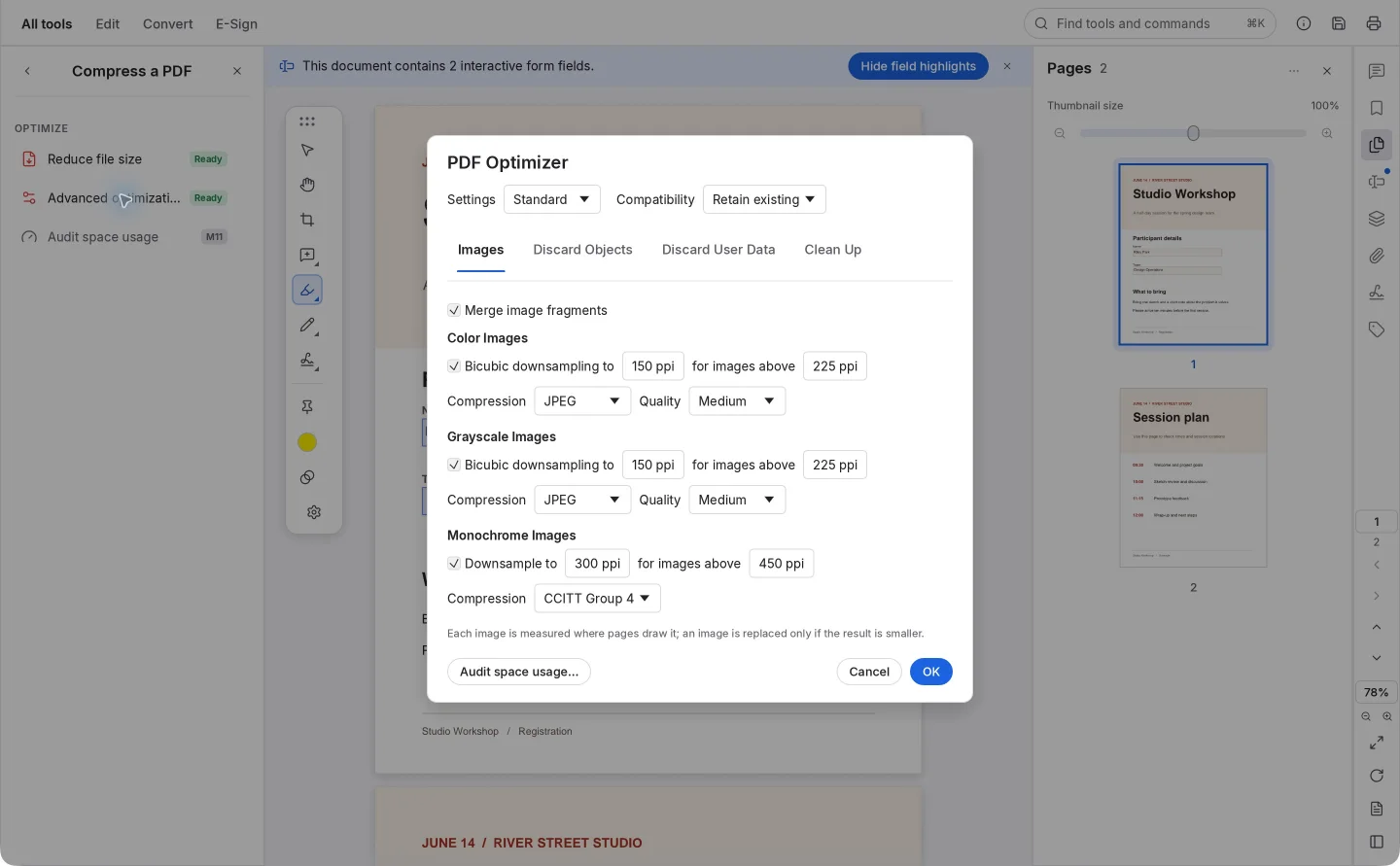
Compress and export
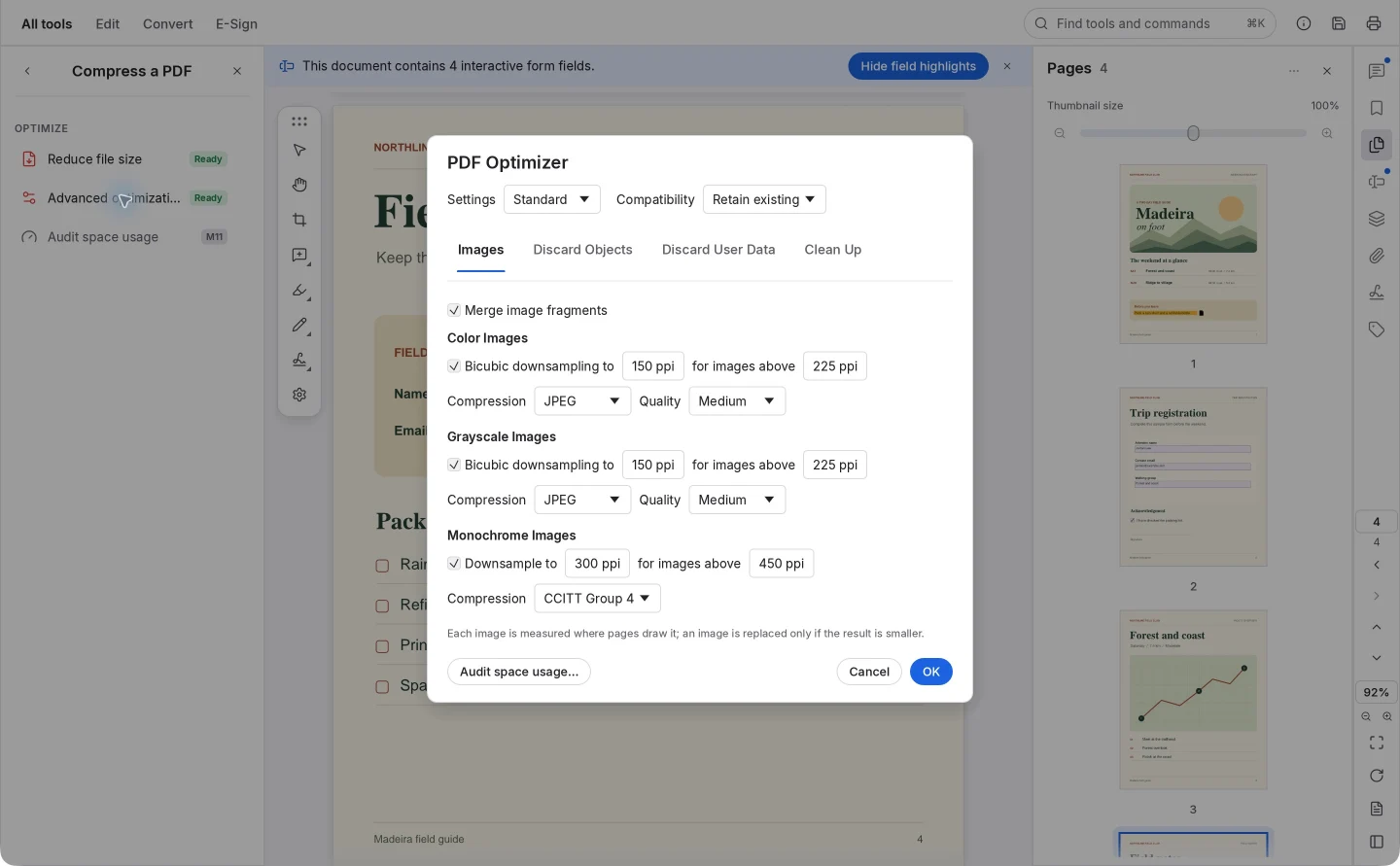
- Reduce file size and adjust image quality
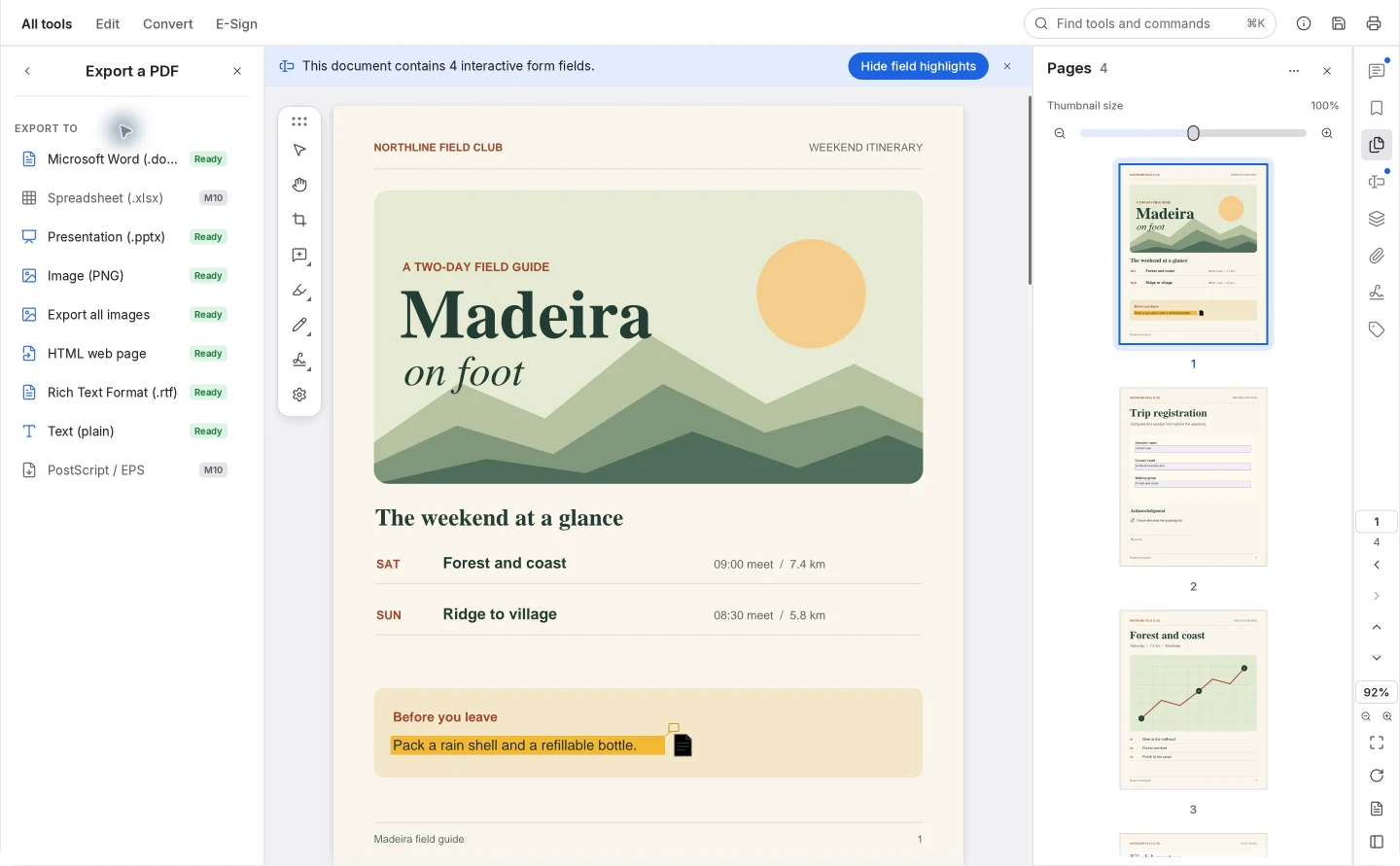
- Export to Word, PowerPoint, PNG, and more
- Create PDFs from images or the clipboard
More tools in the app
Edit page content
Add text, images, links, and watermarks. Existing text and image edits depend on the PDF.
Compare, measure, and stamp
Compare PDF versions, measure to scale, and place stamps.
Passwords, accessibility, and archiving
Add passwords, check accessibility, tag content, or save as PDF/A.
What works offline?
Reading, editing, and local OCR work offline. Purchase and download need internet. Optional AI uses your own provider.
Pay once. Use it for life.
One payment gives you lifetime access to PDF Bop Desktop. No subscription or renewal fees.
- Windows x64 and Mac (Apple silicon and Intel)
- Download installers from your PDF Bop account
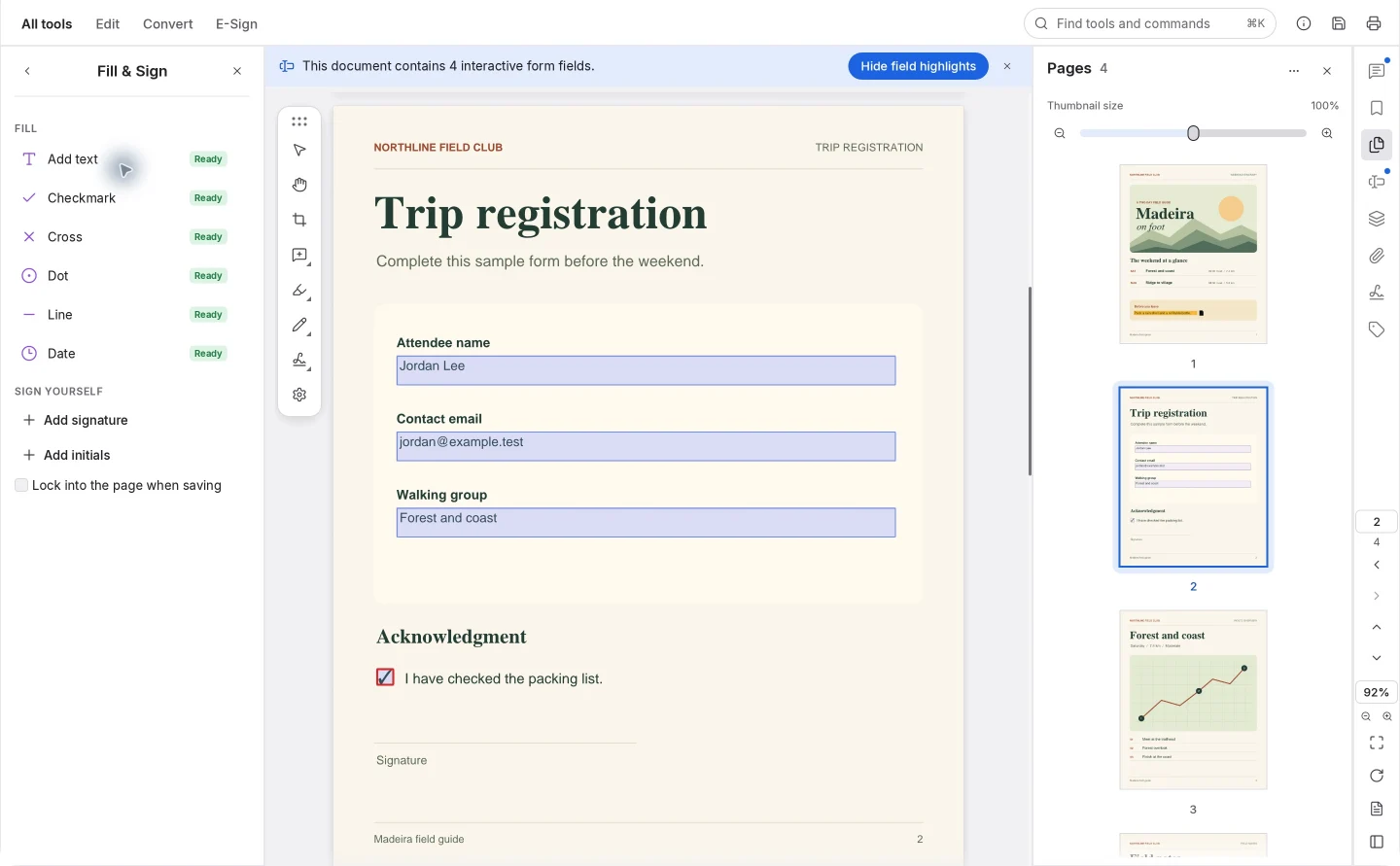
- Edit, organize, and save PDFs offline
Lifetime purchase
$9.99USD$59.99
$9.99 launch spots left
Checkout opens at launch.
Continue to purchase