How to reorder pages in a PDF
Move pages up or down, put the cover first, and verify the order in your new PDF.
By PDF Bop ·
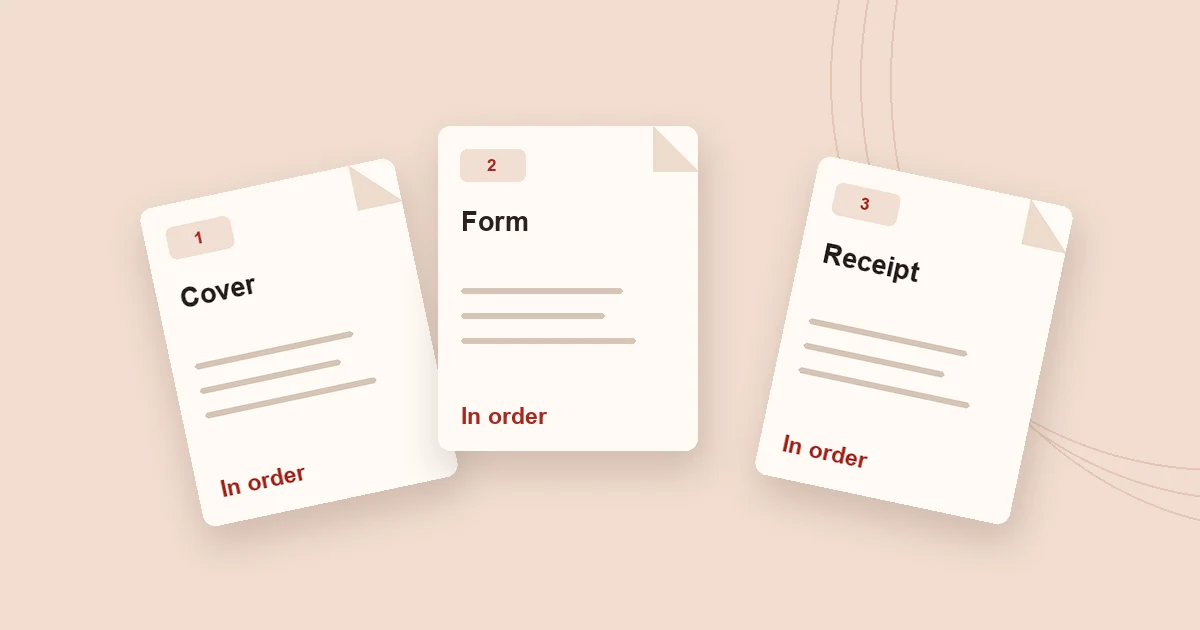
If the right pages are already in the PDF, you can fix their order without rescanning them. This is handy when a scanner put the cover at the back or a phone scan captured a two-sided form in reverse.
Move a page up or down
- Open Merge PDFs and choose the PDF you want to reorder. The Pages tool works with a single file too.
- Select a page in the list to see what it contains. Use Move page up or Move page down on that row to shift it one position.
- Repeat until the list matches your intended order. Keep Download as set to One PDF with all pages.
- Choose Download PDF, reopen the copy, and flip through the pages.
Check the order by content
For a three-page packet, start with the cover, follow it with the signed form, and put the receipt last. Use the preview to identify each sheet. The sequence shown in the editor changes as you move pages, while any numbers printed on the original sheets stay as they were.
If moving a page displaced another, use Undo or move it back one position. If a page is missing entirely, use Add files to bring it in from a second PDF.