How to insert a page from another PDF
Add a missing attachment or replacement sheet to a PDF and place it exactly where it belongs.
By PDF Bop ·
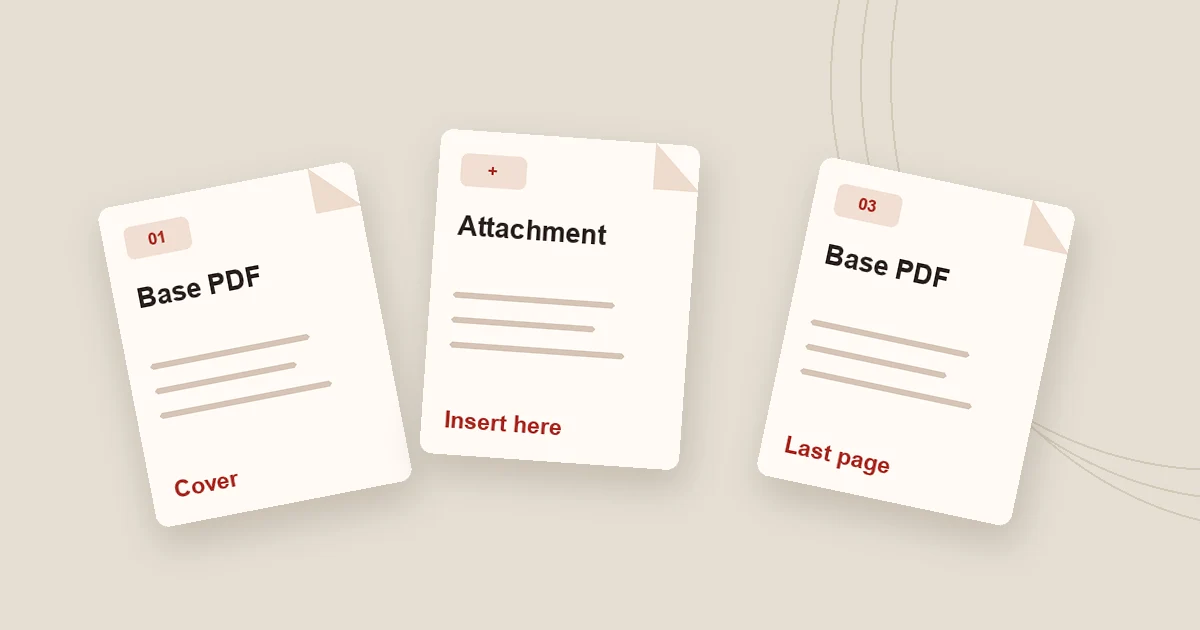
Start with the main PDF and the document that contains the page you need. For example, you might need to put a missing signed page between a cover letter and an existing receipt.
Insert the missing page
- Open the main document in Merge PDFs.
- Choose Add files and select the second PDF. Its pages appear after the pages that were already open.
- Select the page you want to insert. Check the filename on its row and the preview so you have the right sheet.
- Use the up arrow on that row until the page is in the right position. If you brought in extra pages from the second file, remove only the unwanted rows with Delete.
- Keep One PDF with all pages selected, choose Download PDF, and reopen the result. Check the page before and after your insertion.
Replace a sheet or keep both versions
If you meant to replace a page, remove the outdated sheet after inserting the new one. For lengthy source files, first extract the needed pages to a small PDF, then add that copy. Keep the source documents together until you have verified the final page count and order.