How to fill out a PDF form on your phone
Open a form from Files, type into fields or place text on a scan, and save a filled copy from your phone.
By PDF Bop ·
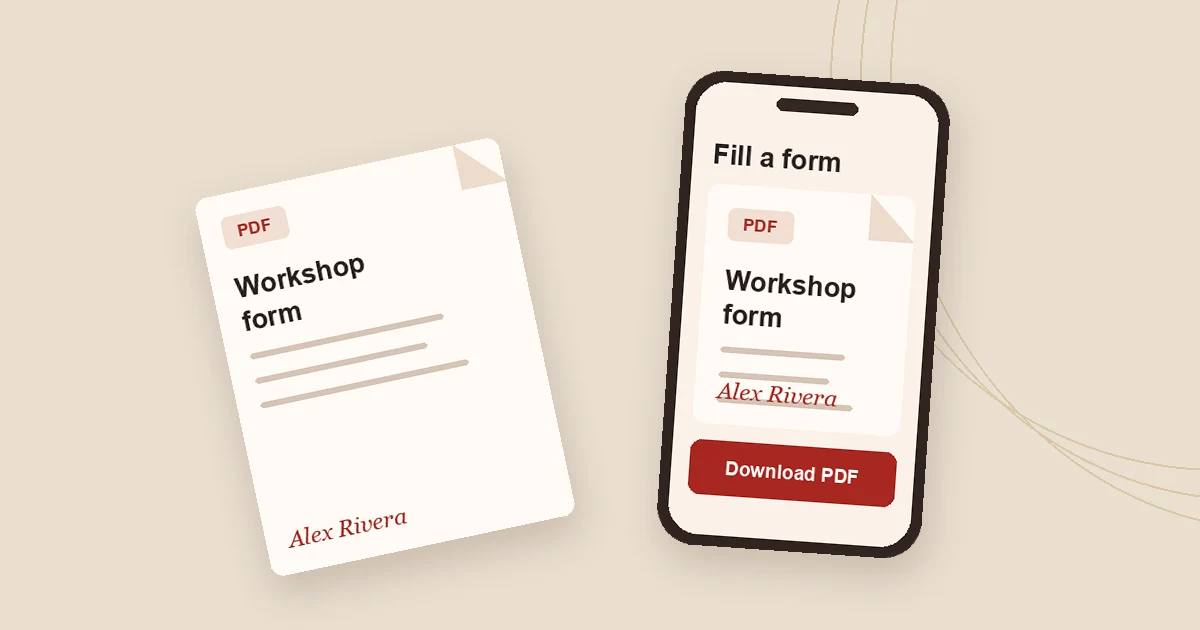
Download the blank form to a location you can find again. On a phone, it is easiest to use a local file picker: use Files on iPhone or your device’s document picker on Android.
Find out how the form accepts text
- Open Fill a PDF Form Online in your browser and choose the form.
- Look for existing interactive fields in the editor. Give each entry enough room and verify that checkboxes reflect the answers you intended.
- If the form is a scan or its blank lines do not have fields, enter your words under Text to place and tap the correct line in the preview. Use Checkmark for boxes that are printed into the page.
- Move through the pages and check for required fields, especially on the last page. Download the PDF, then open the copy in your phone’s viewer.
Send the copy you just saved
The exact download location depends on your browser. Look in its downloads list or in the device’s file picker, and open the file before attaching it. If the form also needs a signature, switch to Sign while the document is open and check that the recipient accepts a visible signature mark.