How to make a PDF small enough to email
Check the attachment limit, make a smaller PDF copy, and verify that the copy stays readable.
By PDF Bop ·
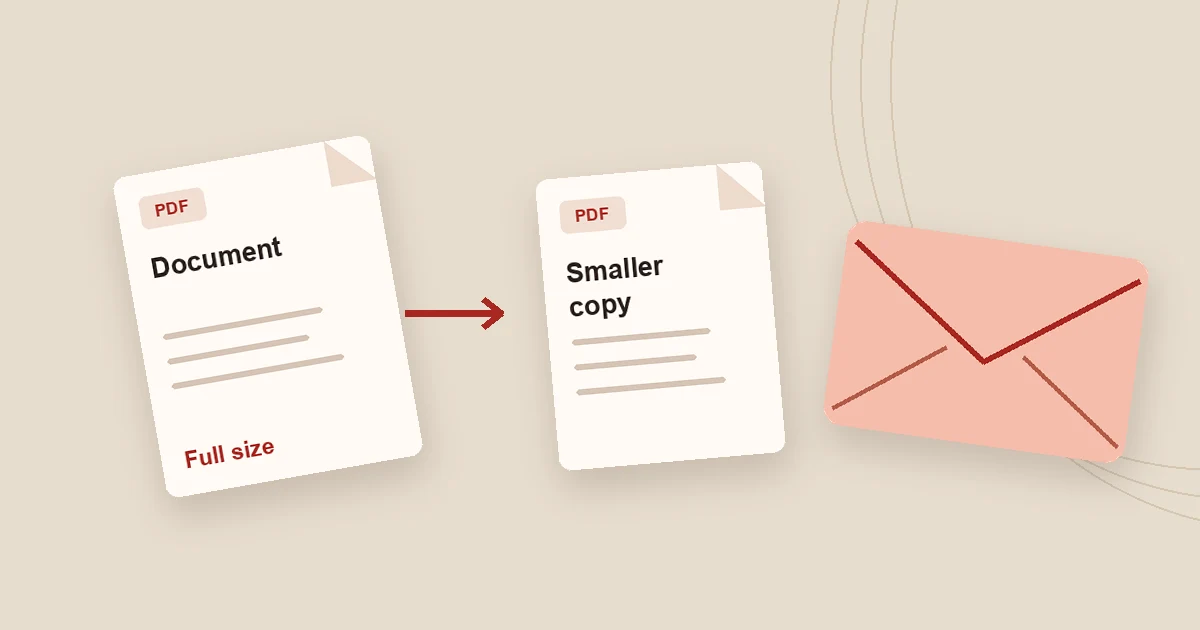
Start by checking the attachment limit shown by your email provider or by the recipient. If you are sending several files in the same message, check whether the limit applies to the total attachment size.
Reduce the size, then check the copy
- Find the PDF’s current file size in your file manager.
- Open Compress a PDF and choose the file. Select Preview compression.
- Compare the original and output byte counts against your limit. If the new copy is small enough, choose Download PDF and open it.
- Zoom in on the fine print, marks, and any scanned identifiers. Attach this checked copy from your downloads.
When the file is still too large
A smaller result depends on what is inside the file. If you have permission to send just part of it, extract the required pages and try compression on that smaller copy. If the recipient needs the complete original, ask whether they accept a private upload link or another delivery method. Keep the original PDF until the recipient has what they need.