Why is my PDF still so large?
Spot the difference between scans, image-heavy PDFs, and text PDFs before deciding what to remove or compress.
By PDF Bop ·
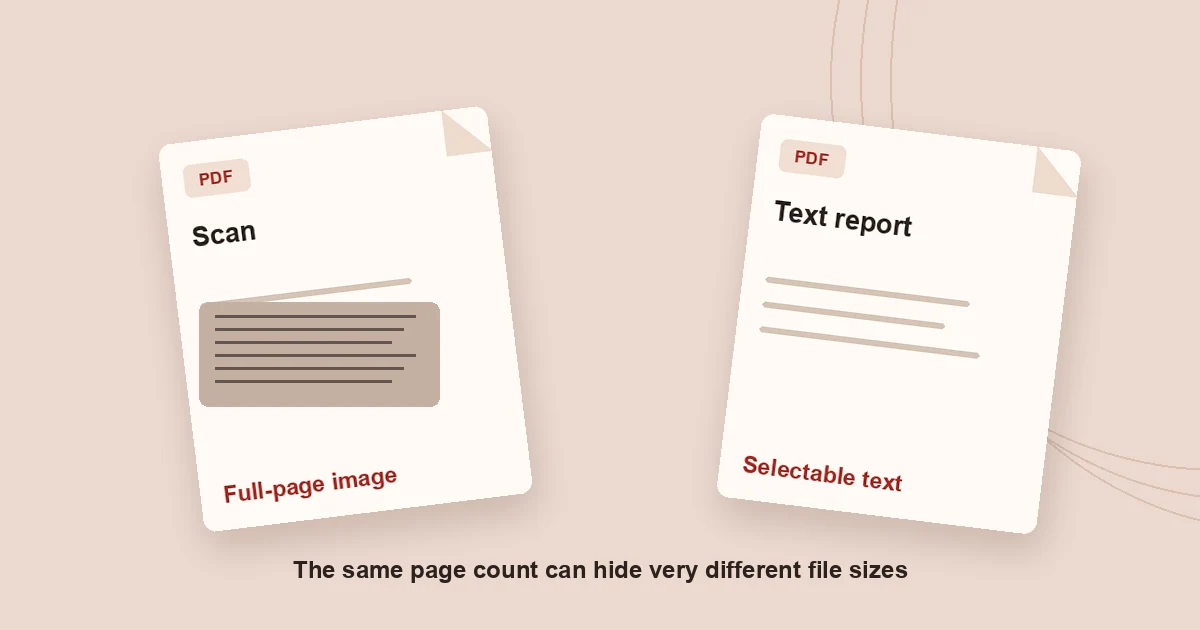
Two PDFs with the same number of pages can have very different file sizes. A page made from a high-resolution photograph stores the image itself, while a mostly text page can store the characters and layout.
Look for the source of the size
Try selecting a sentence. If you cannot select words and the entire page looks like a photo when zoomed in, it may be a scan. Charts, photos, and large screenshots can also dominate the file size even in a PDF that has selectable text. A file that is already optimized may not shrink much in another pass.
Choose the smallest useful change
- If the recipient needs only a subset, extract the relevant pages first.
- If an unnecessary duplicate is inflating the packet, delete the duplicate and check the page count.
- If you need every page, use Compress a PDF and compare the actual sizes before downloading.
Open the finished copy and zoom in on the smallest text or lines. If those become hard to read, use a clearer copy even if it is larger, or confirm another delivery option with the recipient.